This is how you do it
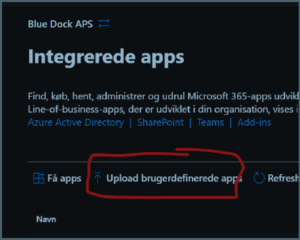
Open Microsoft 365 Administration, Settings, and Integrated apps.
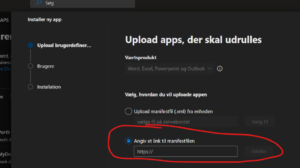
Choose custom app deployment and use the official MyDesk manifest link below.
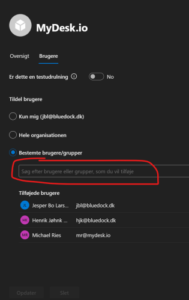
First select the agreed users or groups and save the rollout.
Wait for the clients to receive the program. The original guide describes that it can take up to a day.
Check a user's login and booking before expanding a pilot to the rest of the organisation.
Links and materials
See screenshots from the original guide (3)
The screenshots are from the previous guide and may show an older user interface.