MyDesk · Guide

Create an independent order in catering administration

The canteen can create catering that is not tied to a meeting calendar.

Originally published

Catering admin module

This is how you do it

  1. Open the catering administration and select Order in the navigation.

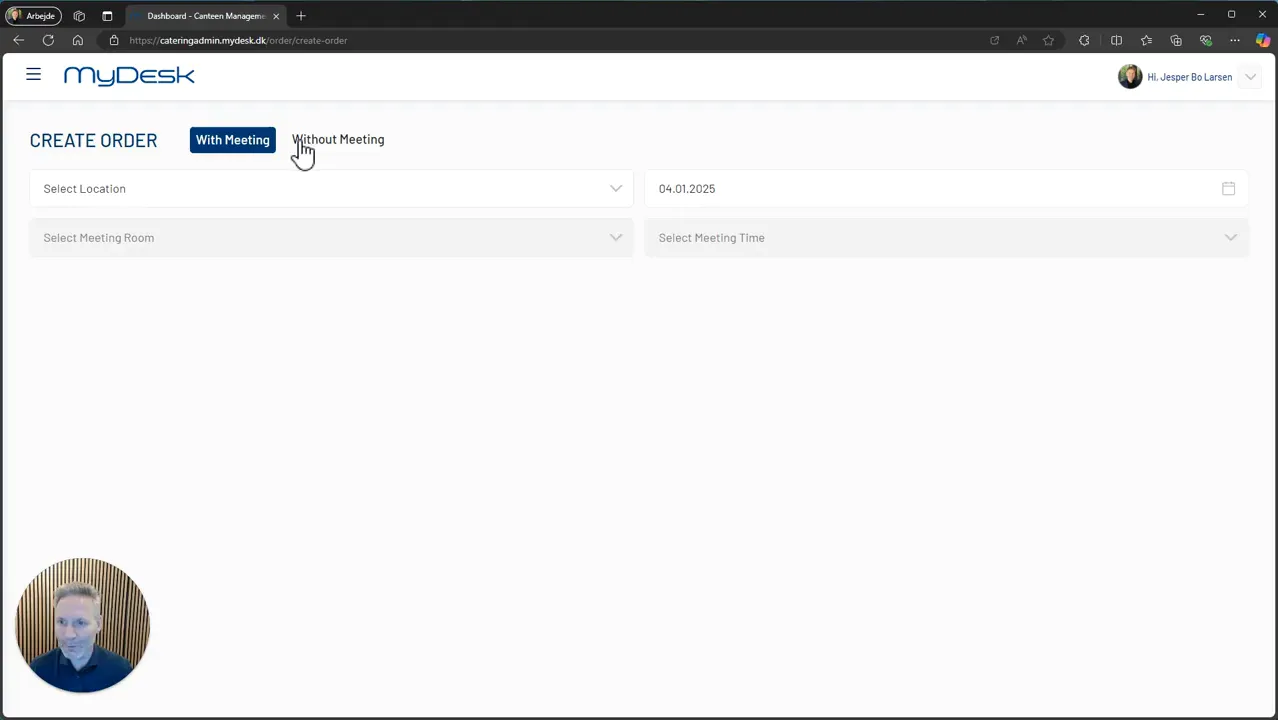
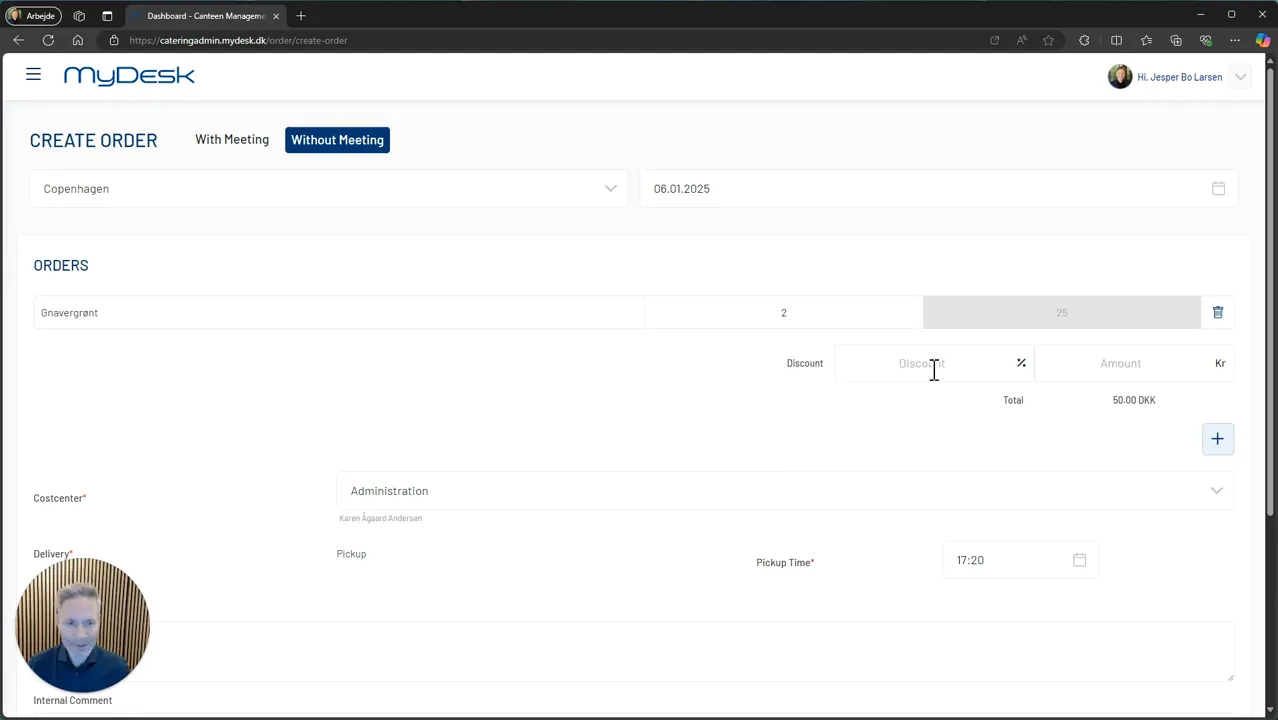
  2. Create a new order and select No meeting.

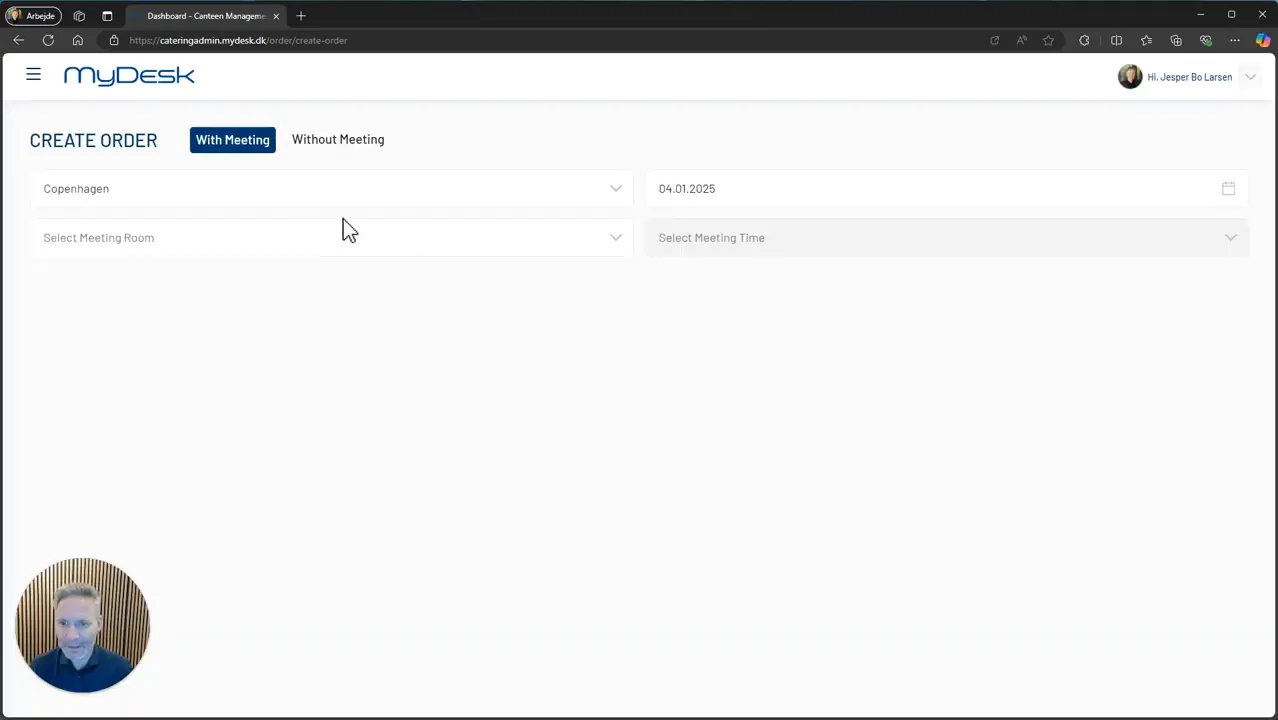
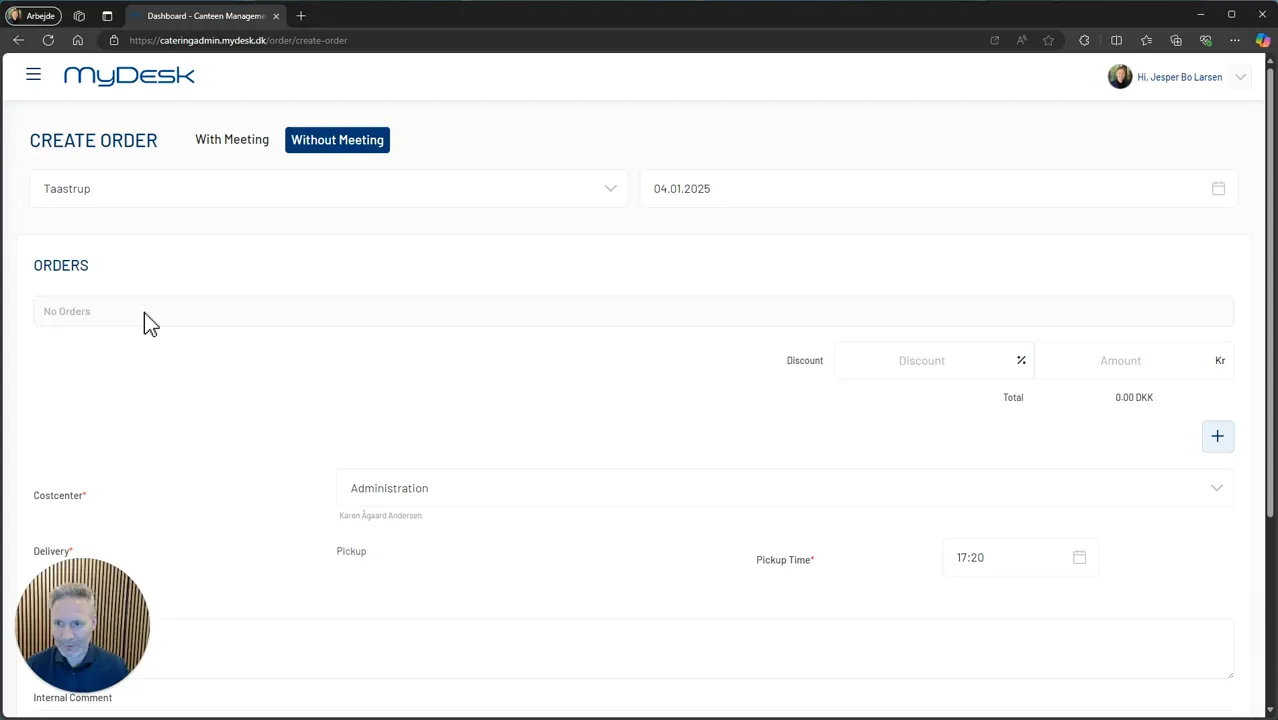
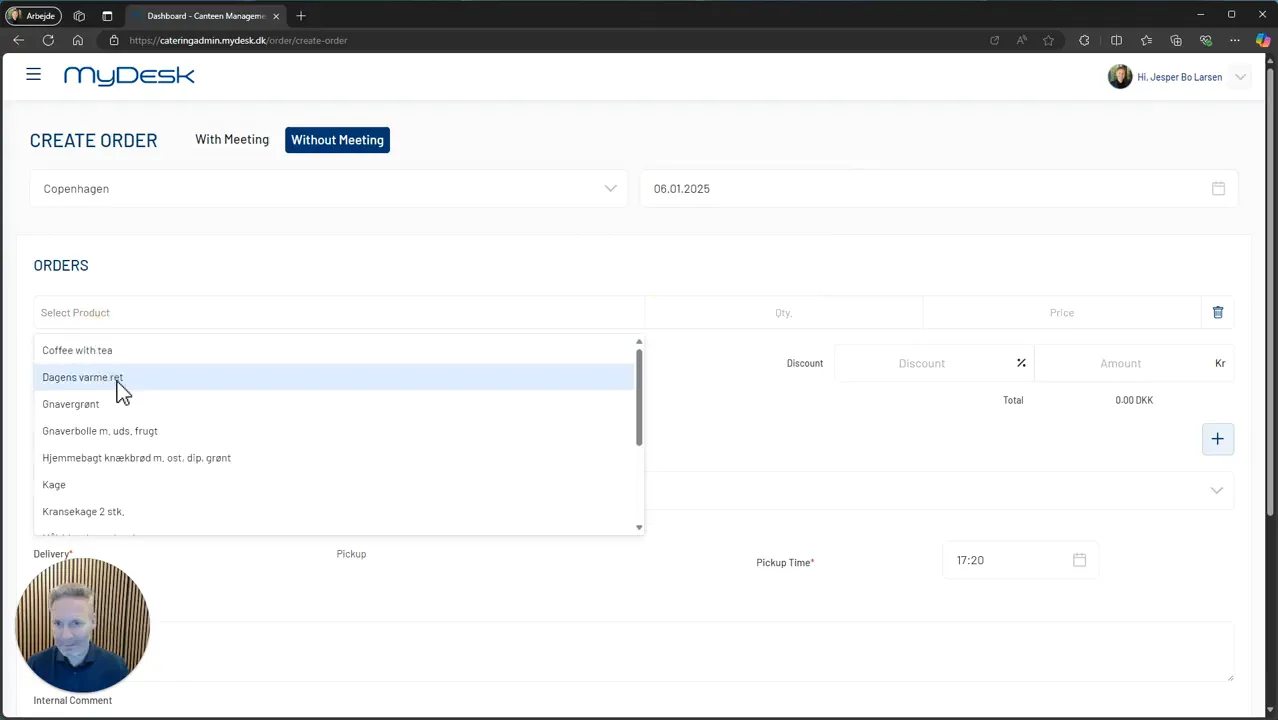
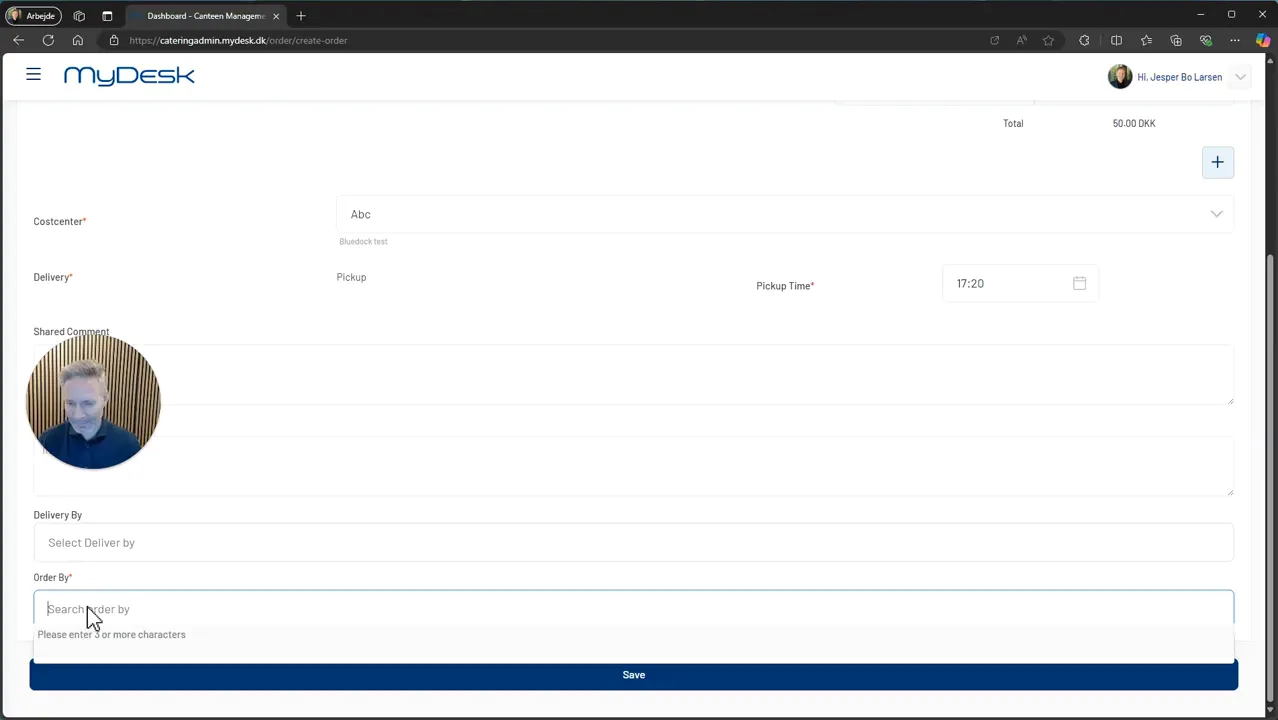
  3. Enter the location and date, and add the products and delivery information the order must contain.

  4. Save and check it in the overview.

  5. If the order is to be linked to a meeting instead, the meeting must already exist. The catering administration does not set up the meeting itself.

Links and materials

See screenshots from the original guide (9)

The screenshots are from the previous guide and may show an older user interface.
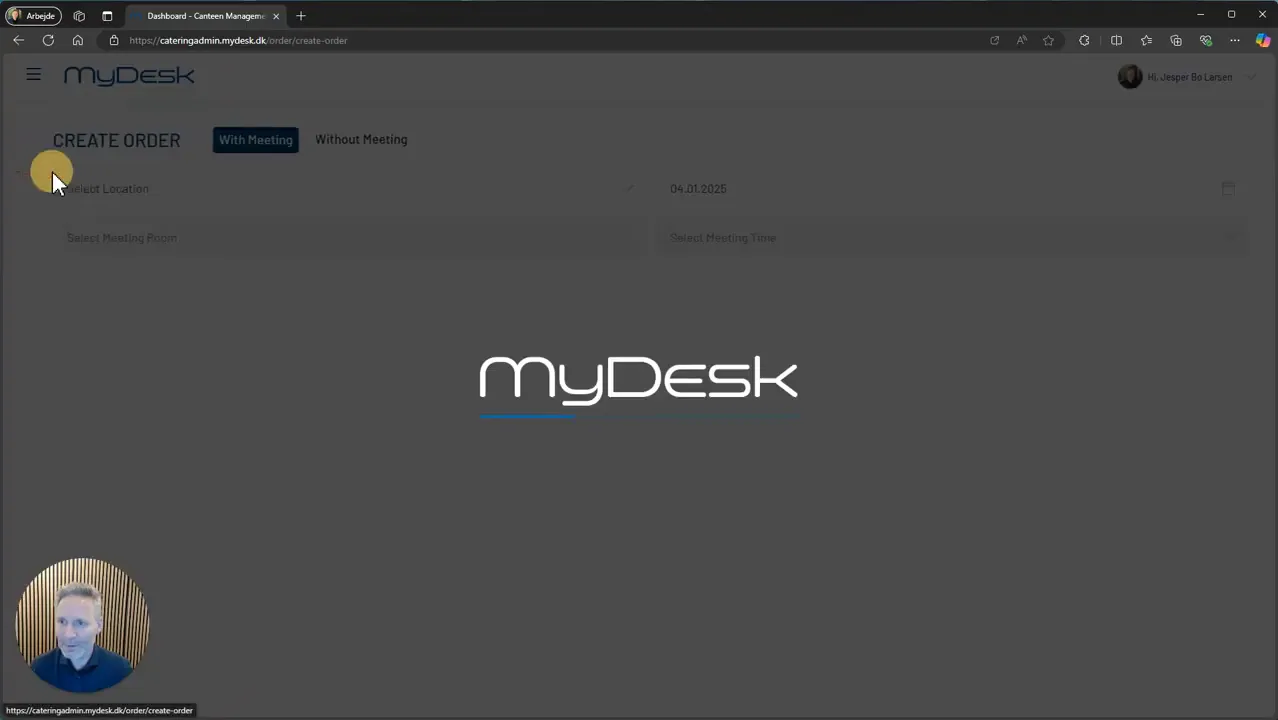
Opening of Mydesk.dk catering admin
Navigation to order in catering admin
Choice of meeting catering type
Establishment of catering without a meeting
Adding products to the order
Indication of prices and discounts
Choice of food center and comments
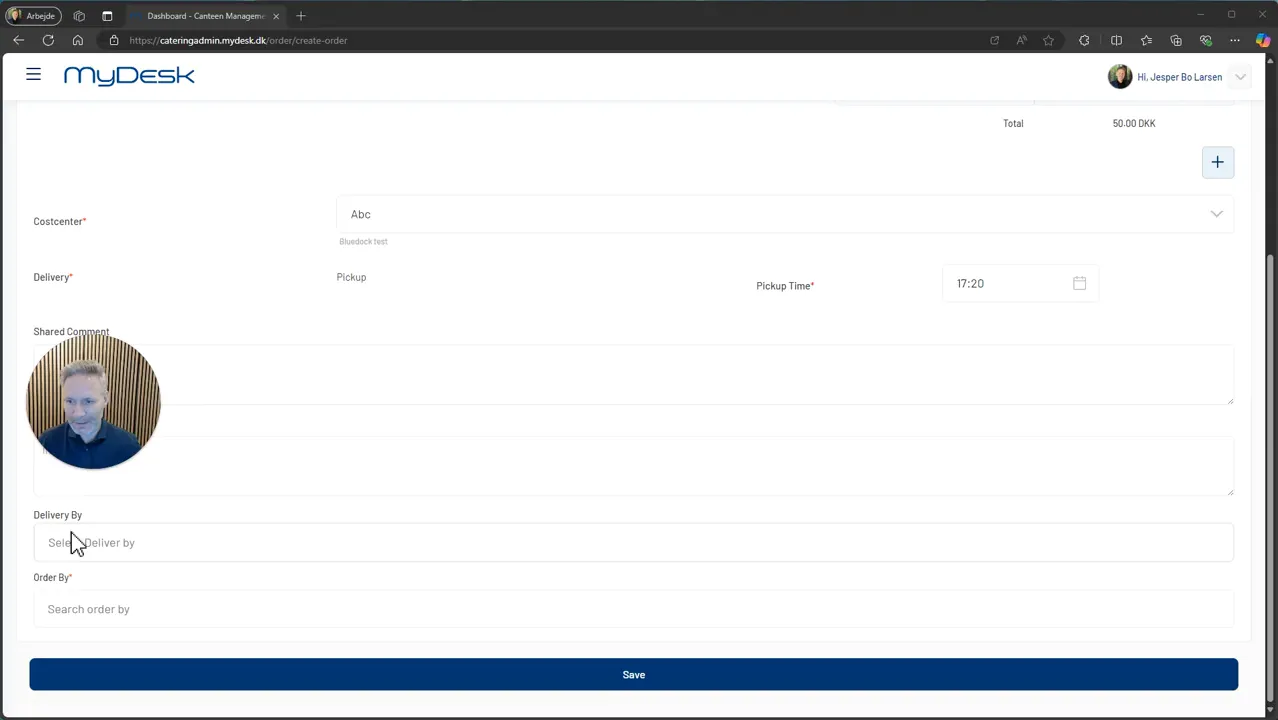
Specifying delivery information
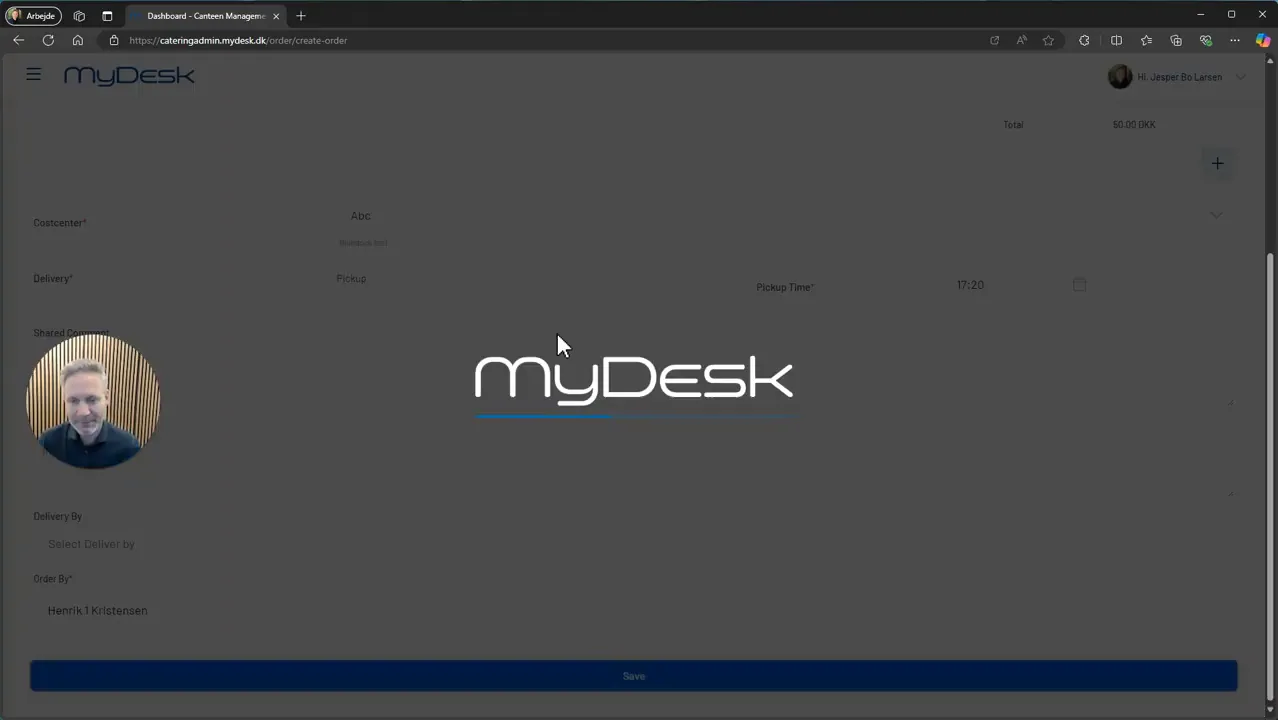
Save your order

Page coming soon

Explore the platform on our homepage

Book a demo

Open the booking calendar in a new window