This is how you do it
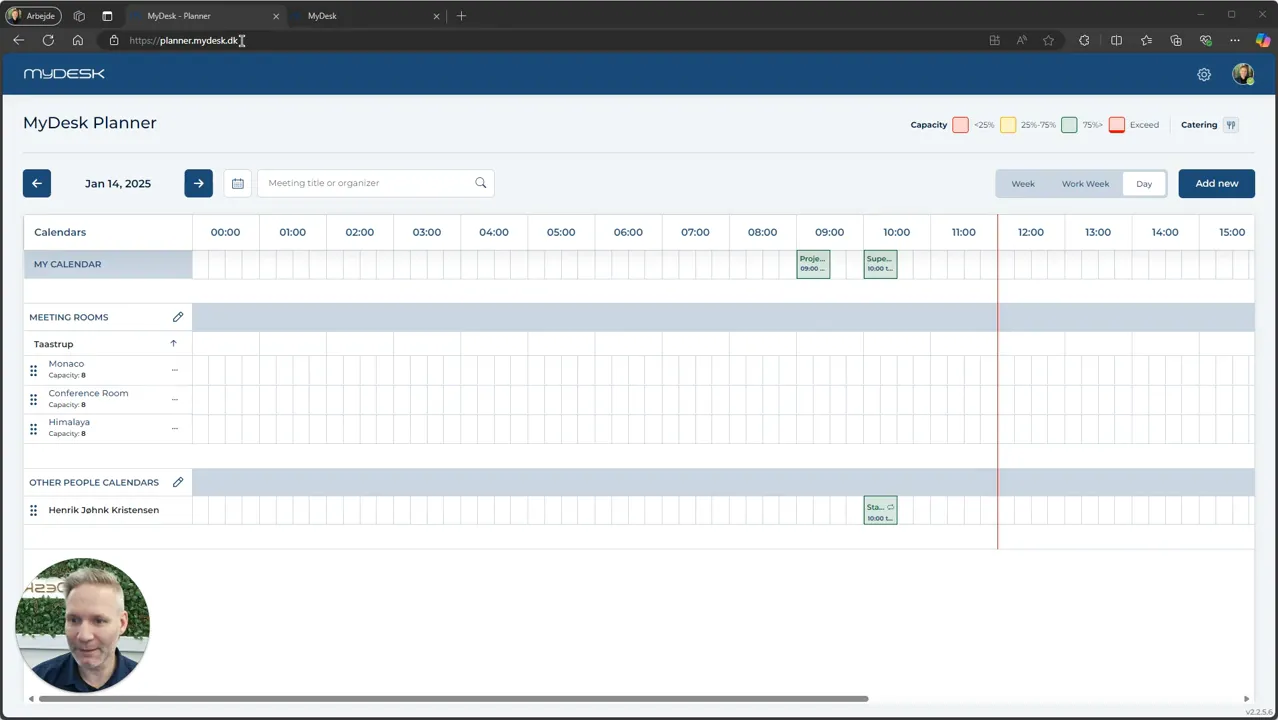
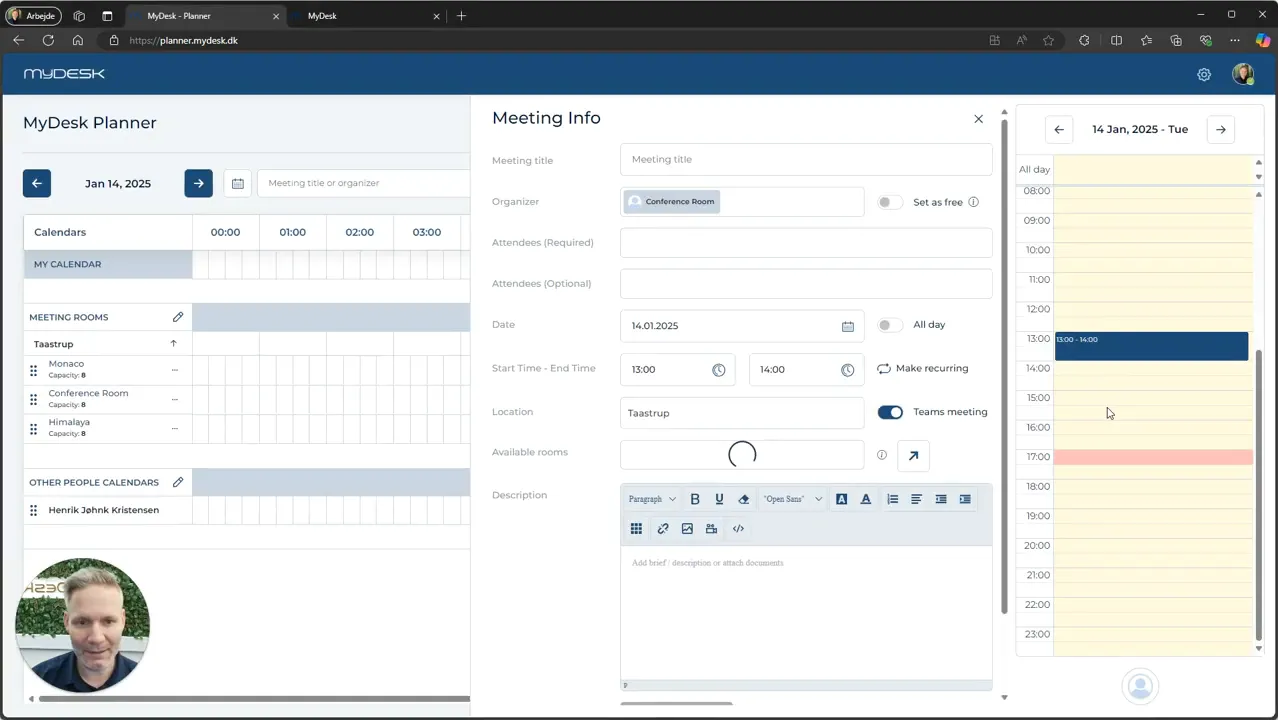
Select venue, date and time slot in Planner.
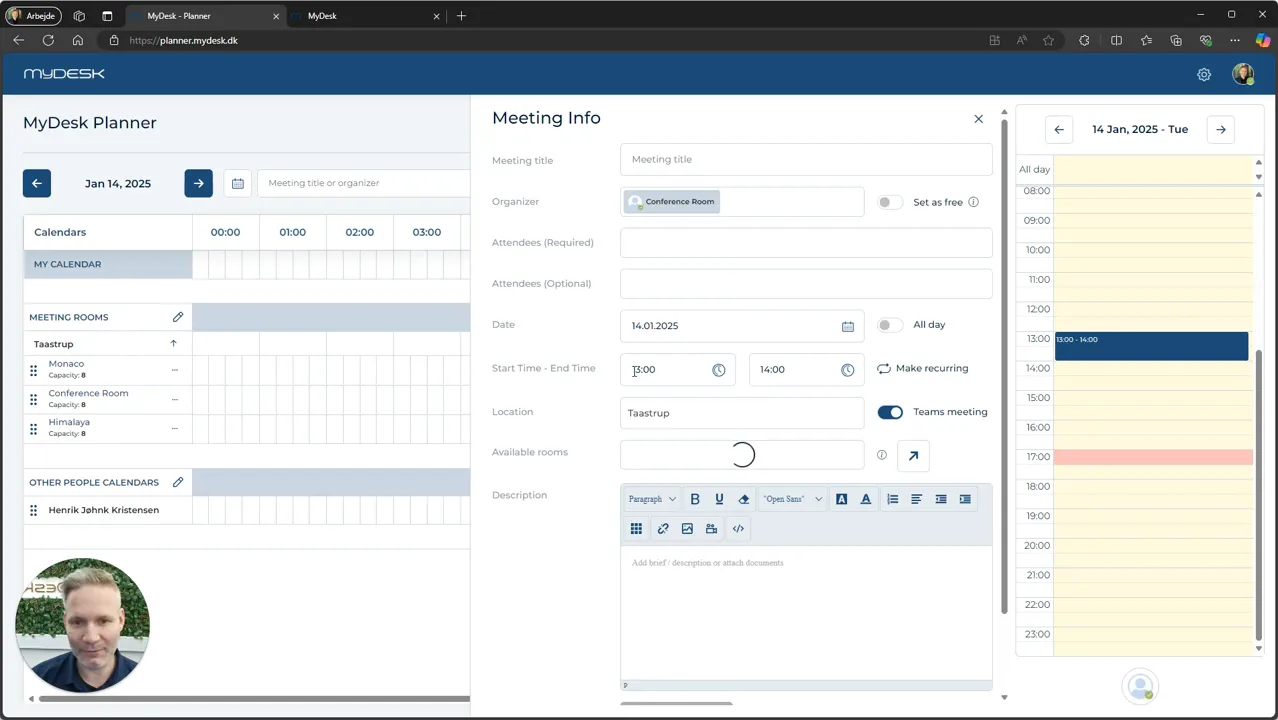
Fill in the title, participants and organizer.
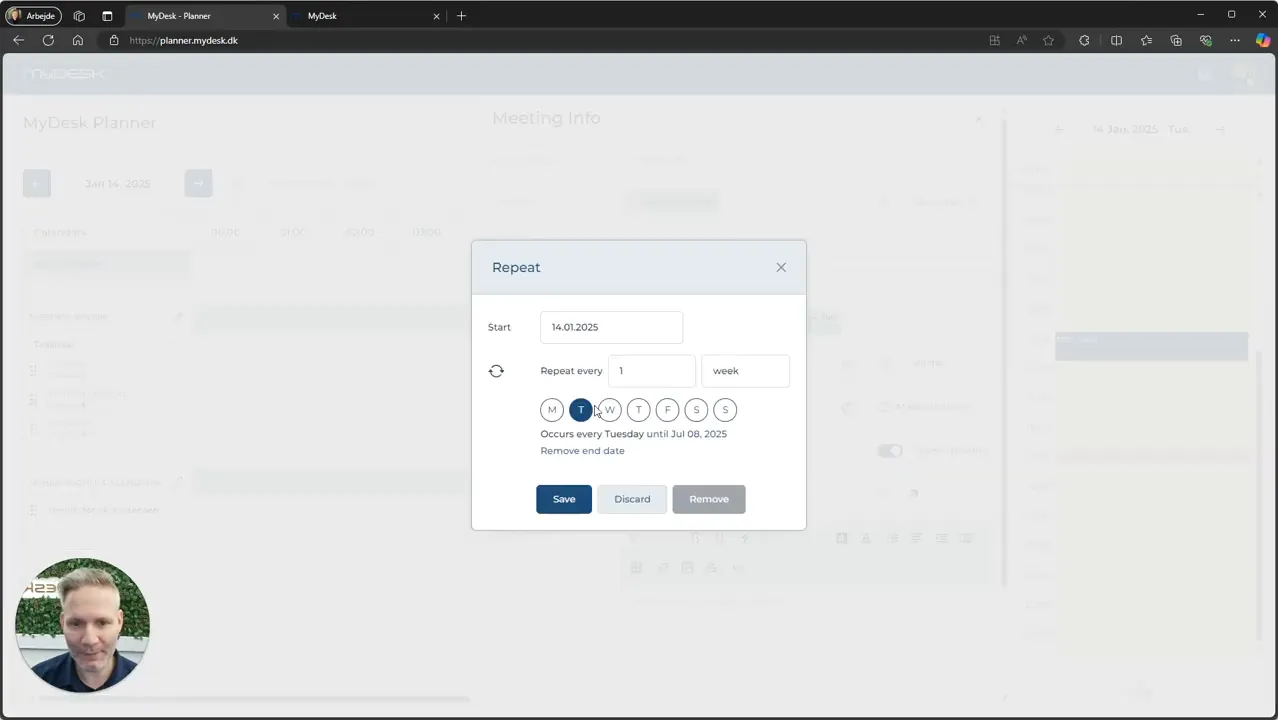
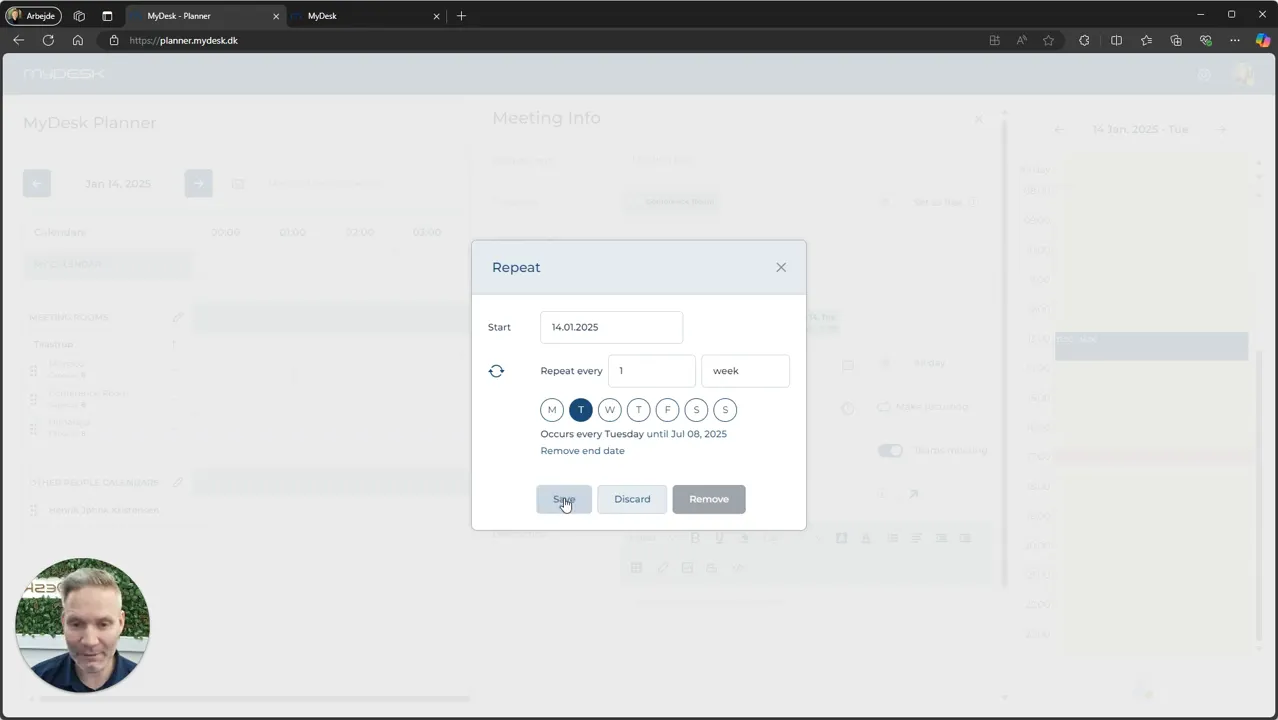
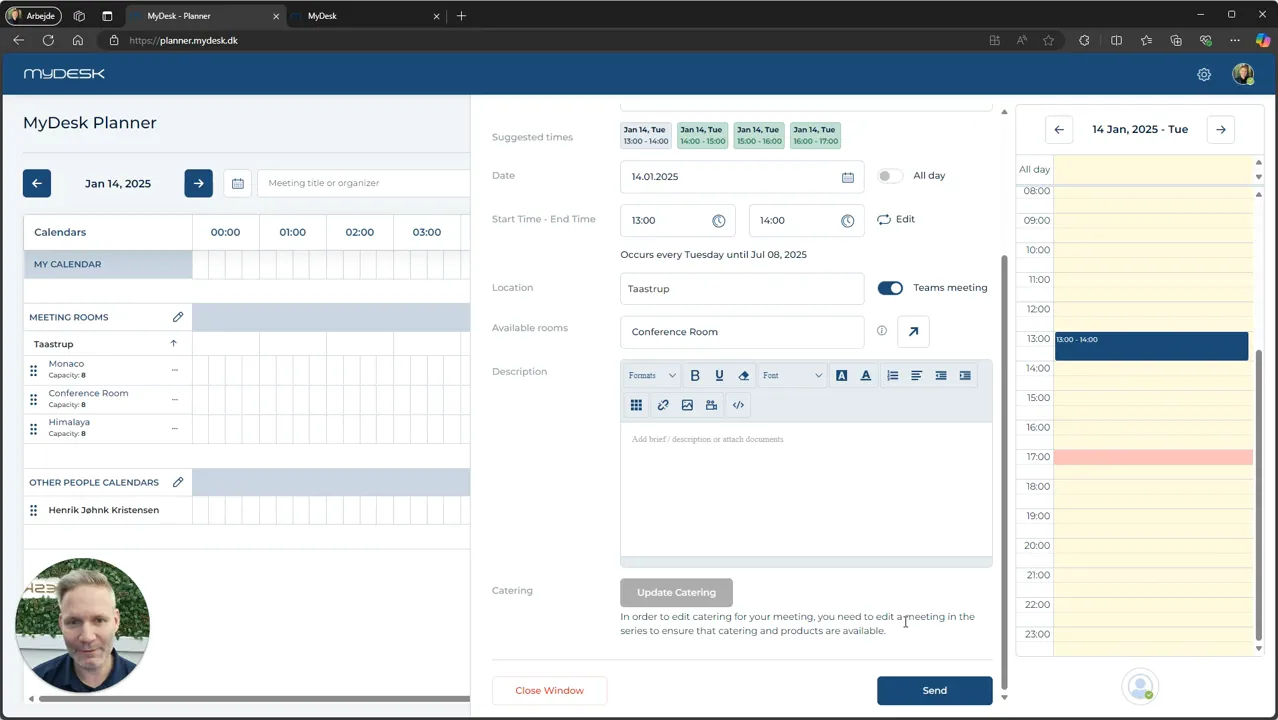
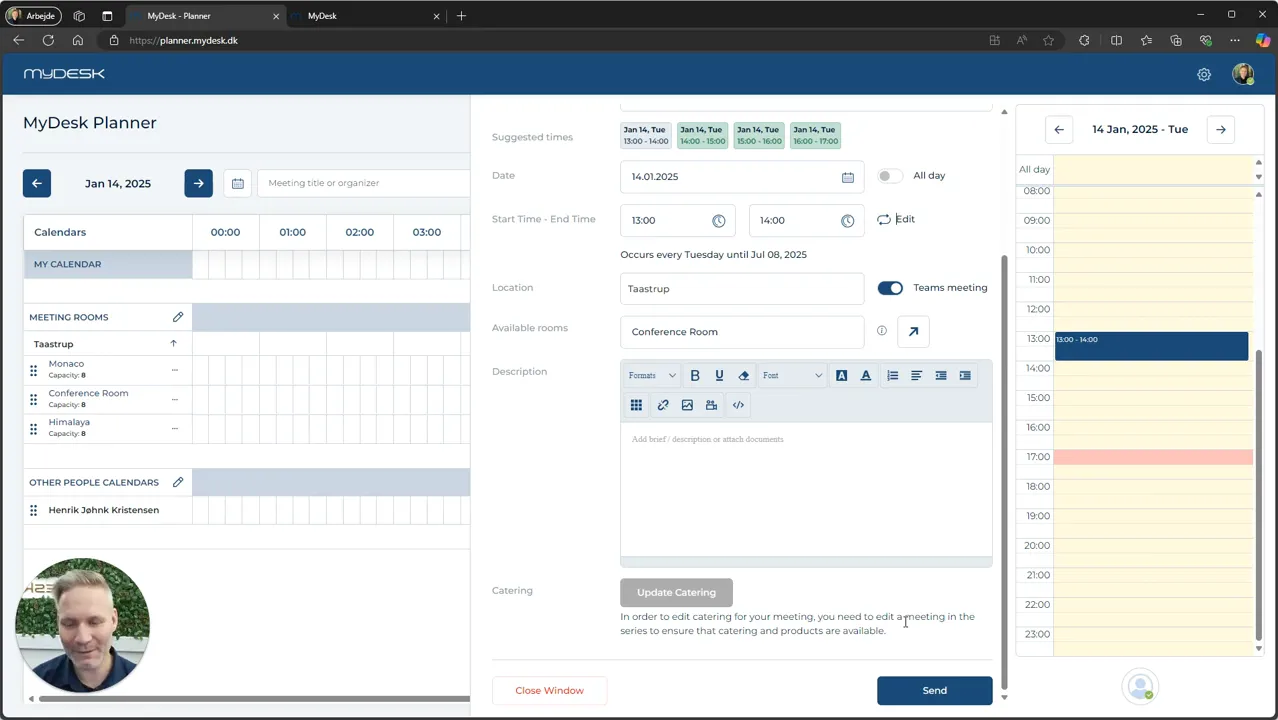
Select Create Recurring Meeting and specify recurrence and period. Send the invitation.
Check the room's acceptance for the occurrences of the series.
The original guide describes catering per occurrence. Check your current set-up and only order for the meetings that actually need catering.
Links and materials
See screenshots from the original guide (7)
The screenshots are from the previous guide and may show an older user interface.