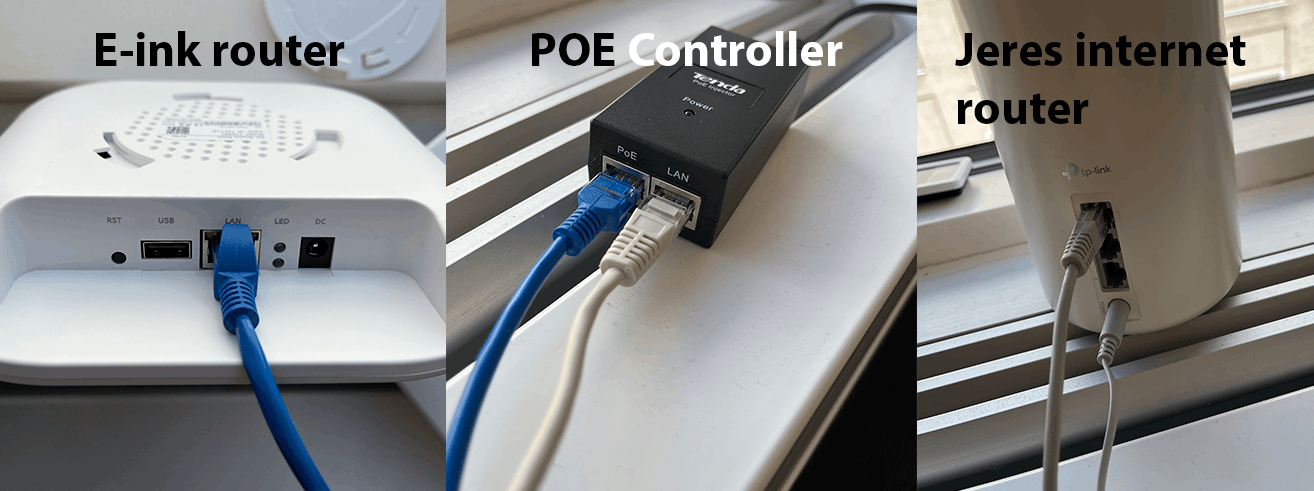
This is how you do it
Connect the power supply to the PoE device.
Connect the port labeled LAN to the company's router or network switch.
Connect the PoE port to the E-Ink router with the supplied network cable.
Check power to the PoE device and active network connection to the router. Contact support if maps or screens cannot be updated.
See screenshots from the original guide (1)
The screenshots are from the previous guide and may show an older user interface.