This is how you do it
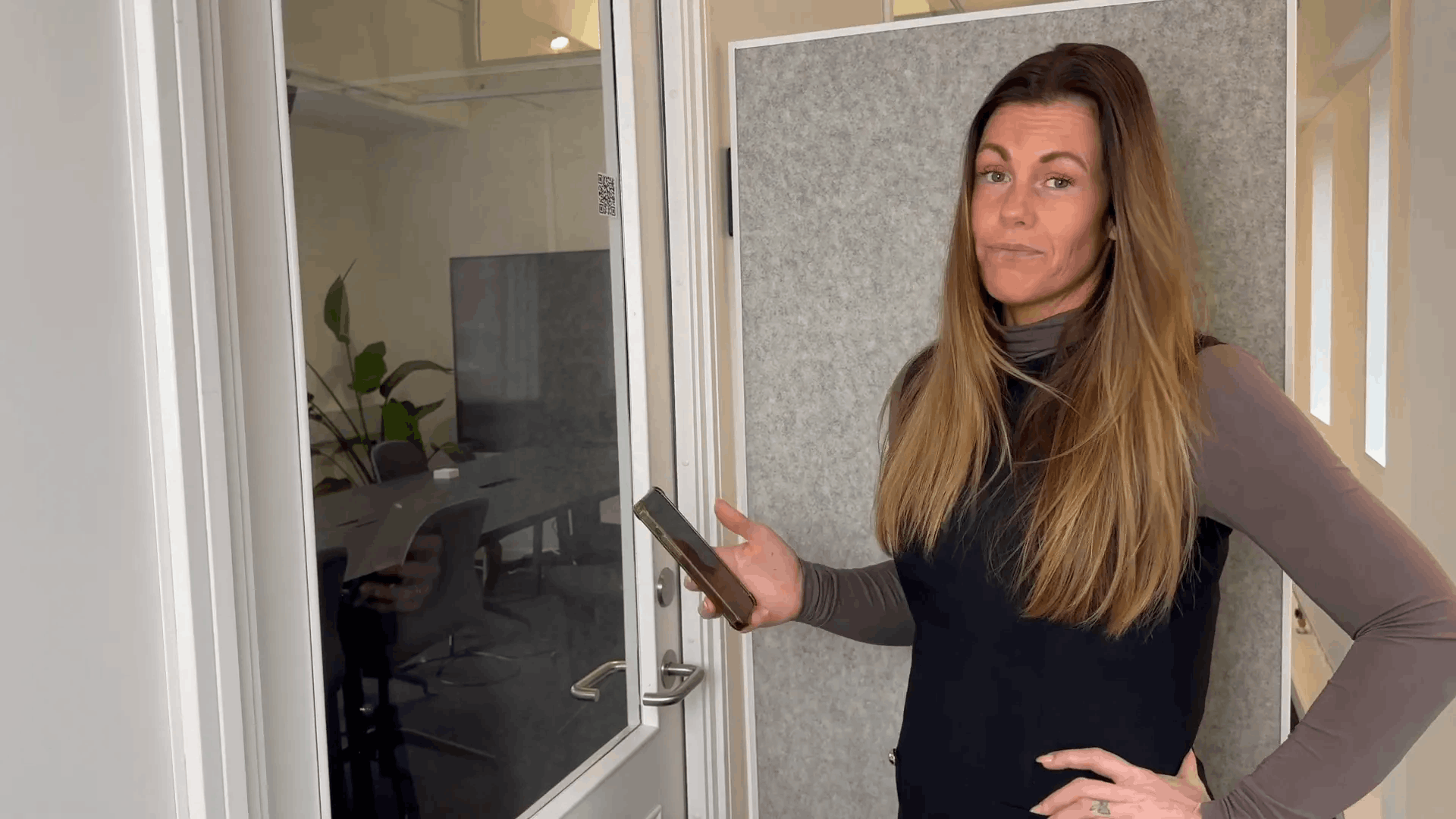
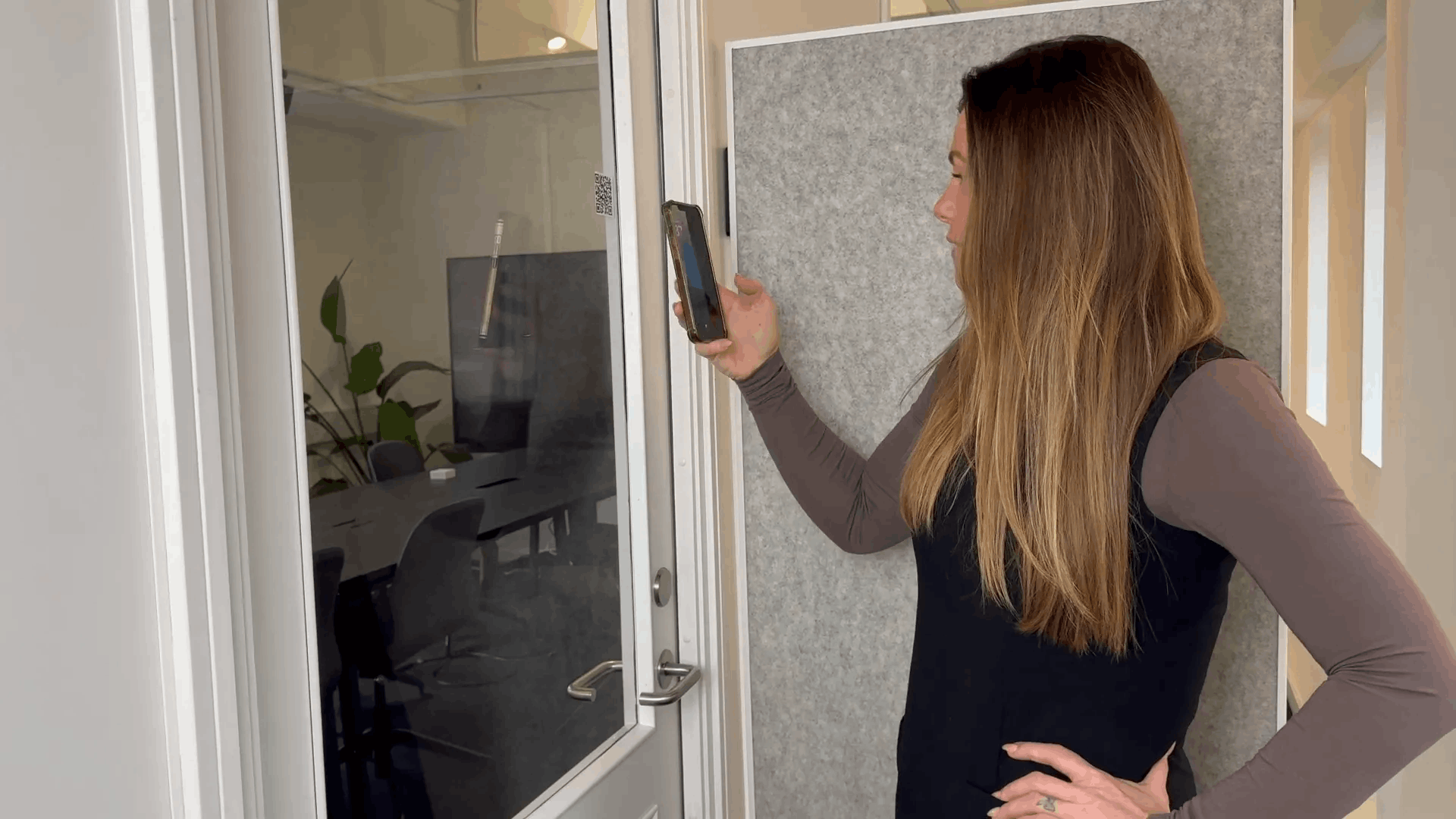
Open your phone's camera, scan the room's QR code and select the MyDesk link.
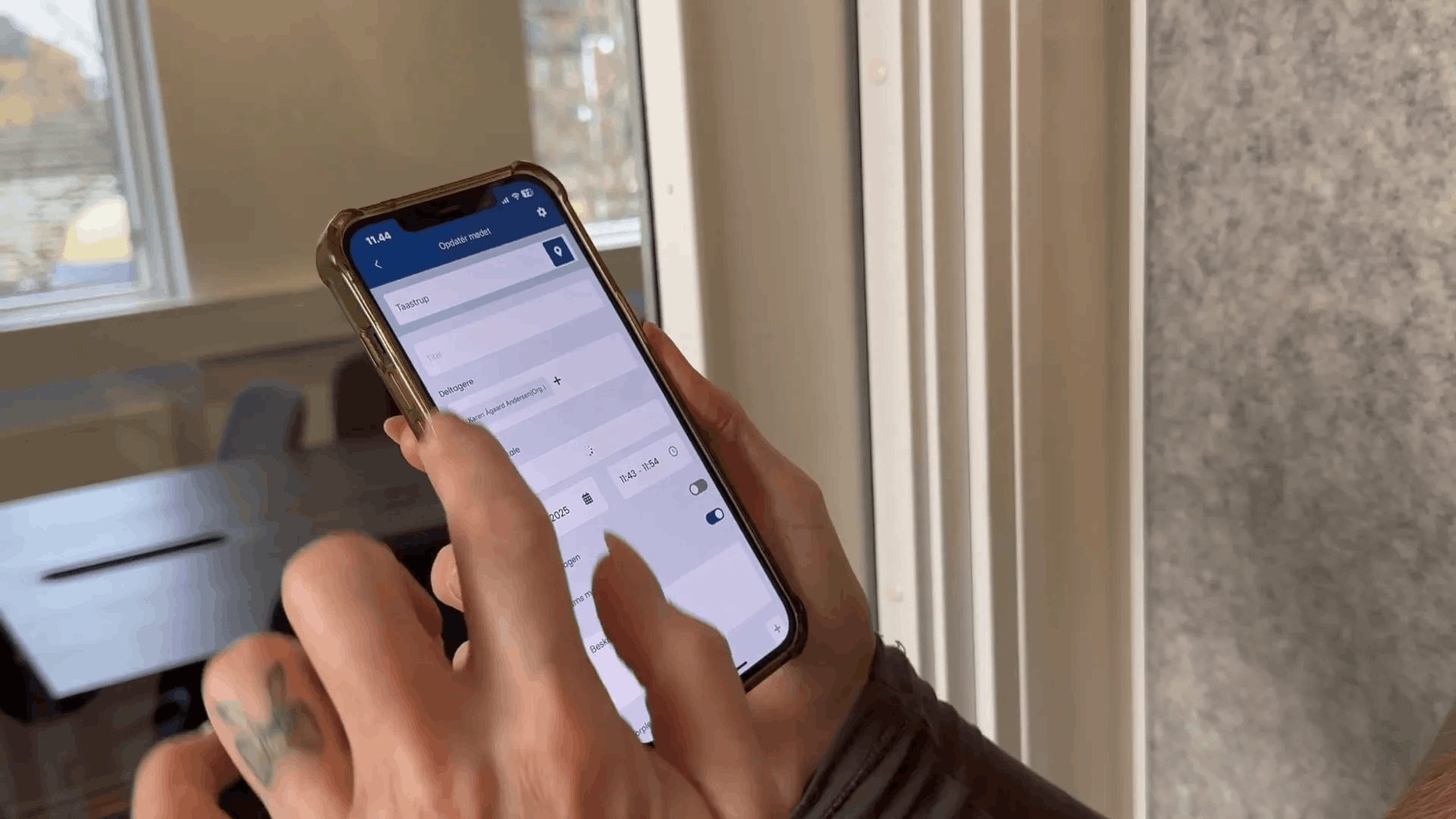
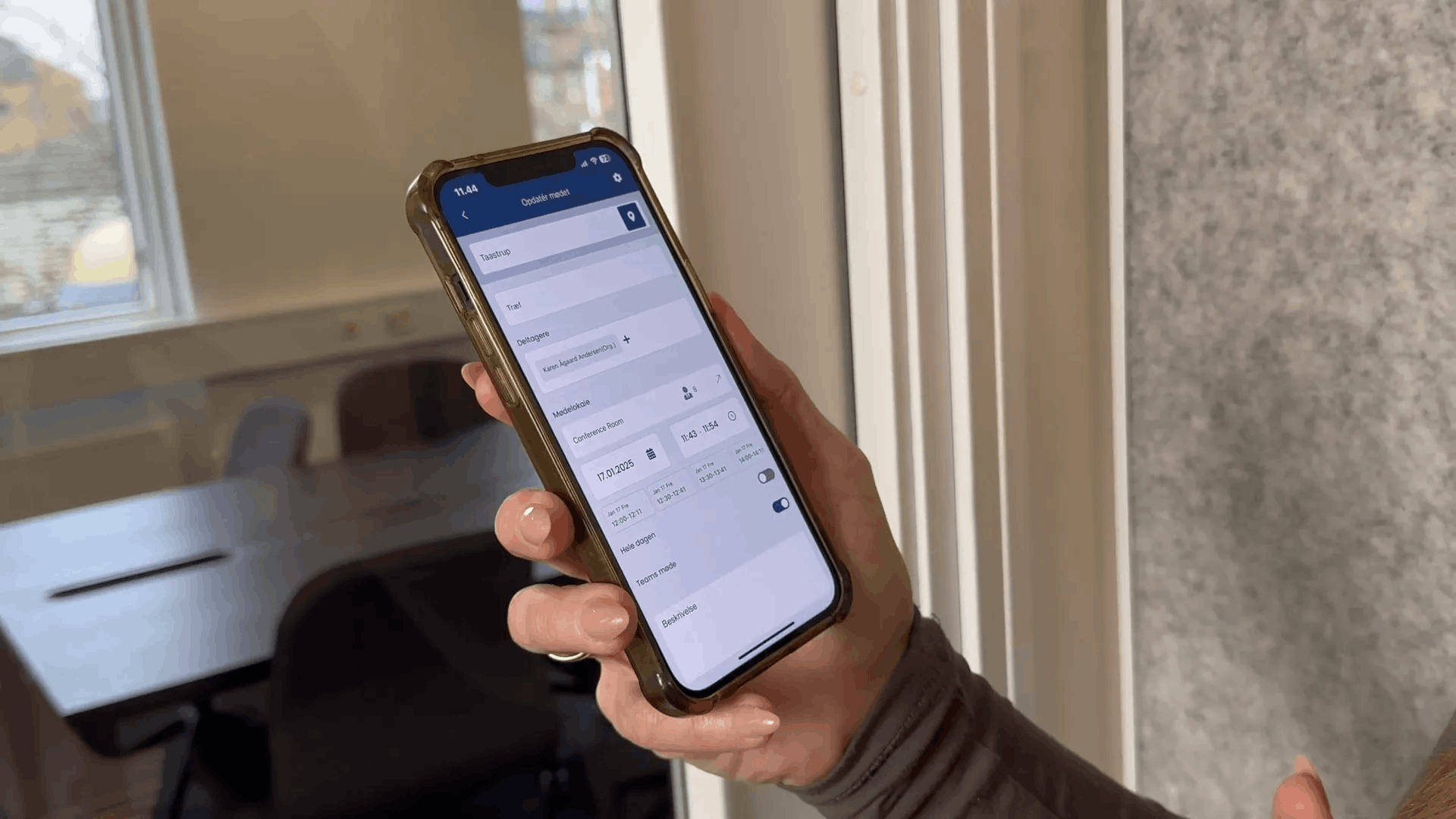
Check rooms and times in MyDesk. Correct the information if the meeting is to be at a different time.
Press Next, write a meeting title, and confirm with OK.
Check the reservation before using the room. The QR code does not replace the requirement that the room must be free.
See screenshots from the original guide (6)
The screenshots are from the previous guide and may show an older user interface.