This is how you do it
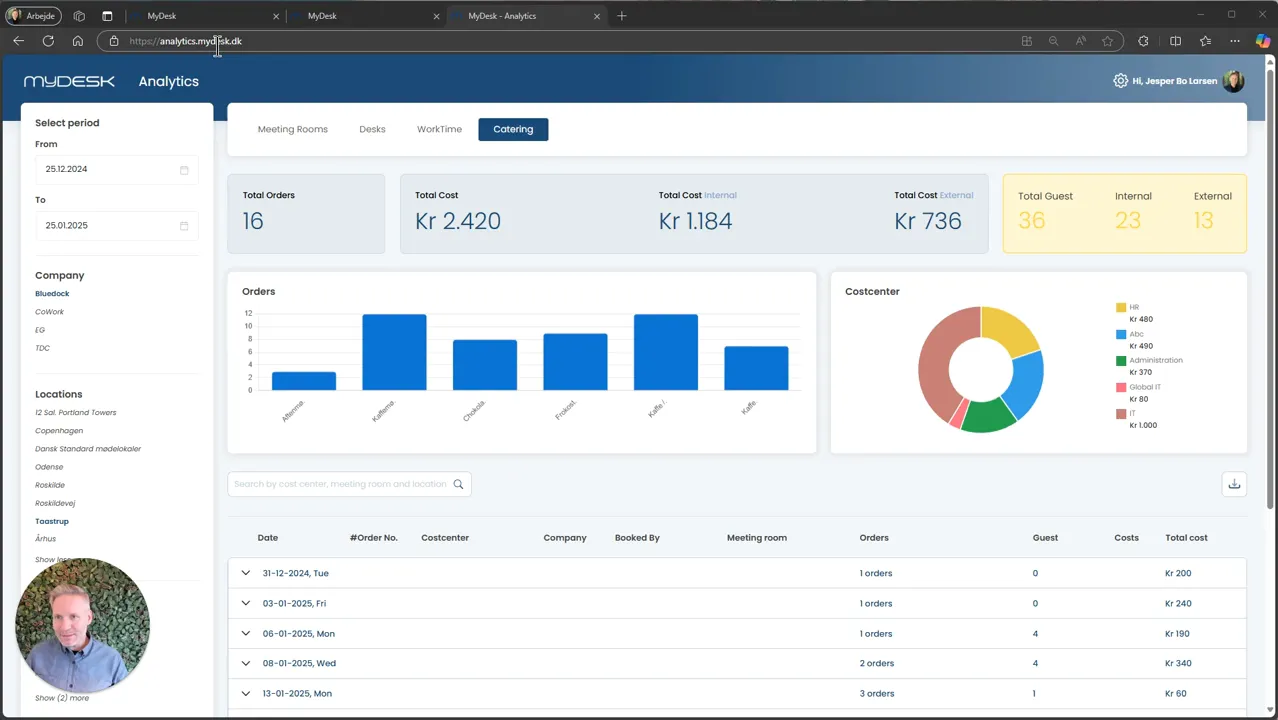
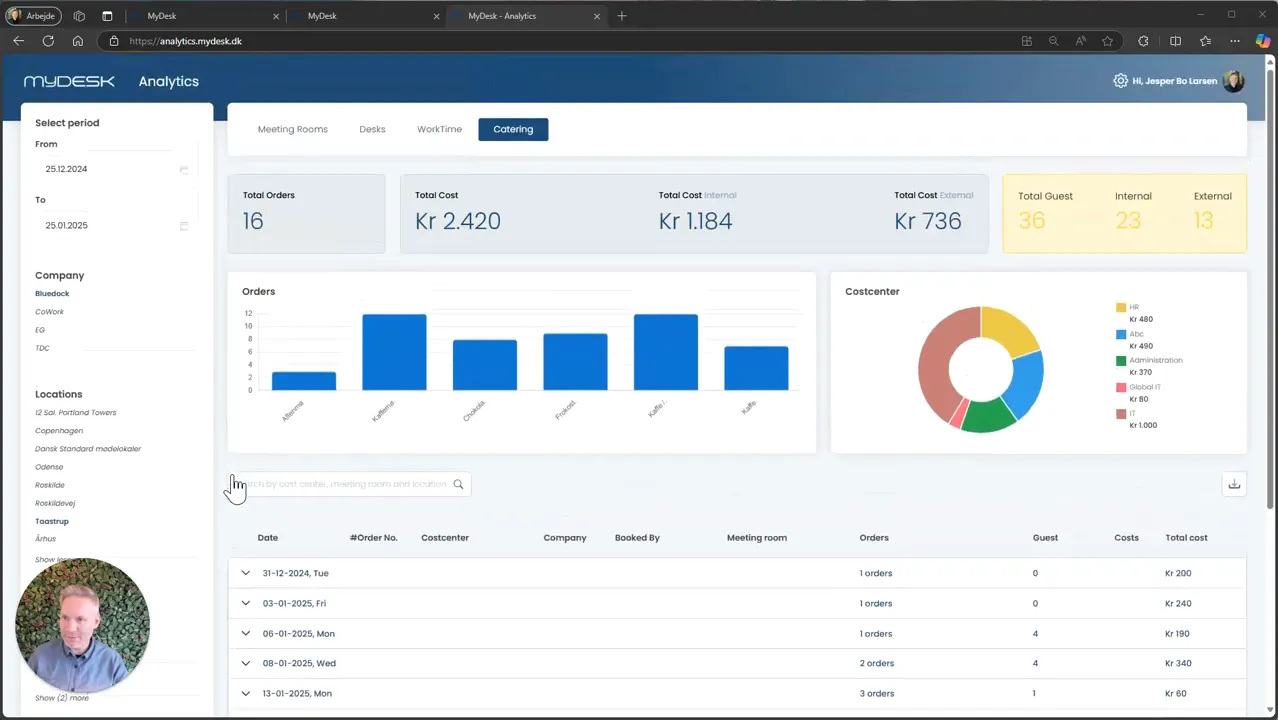
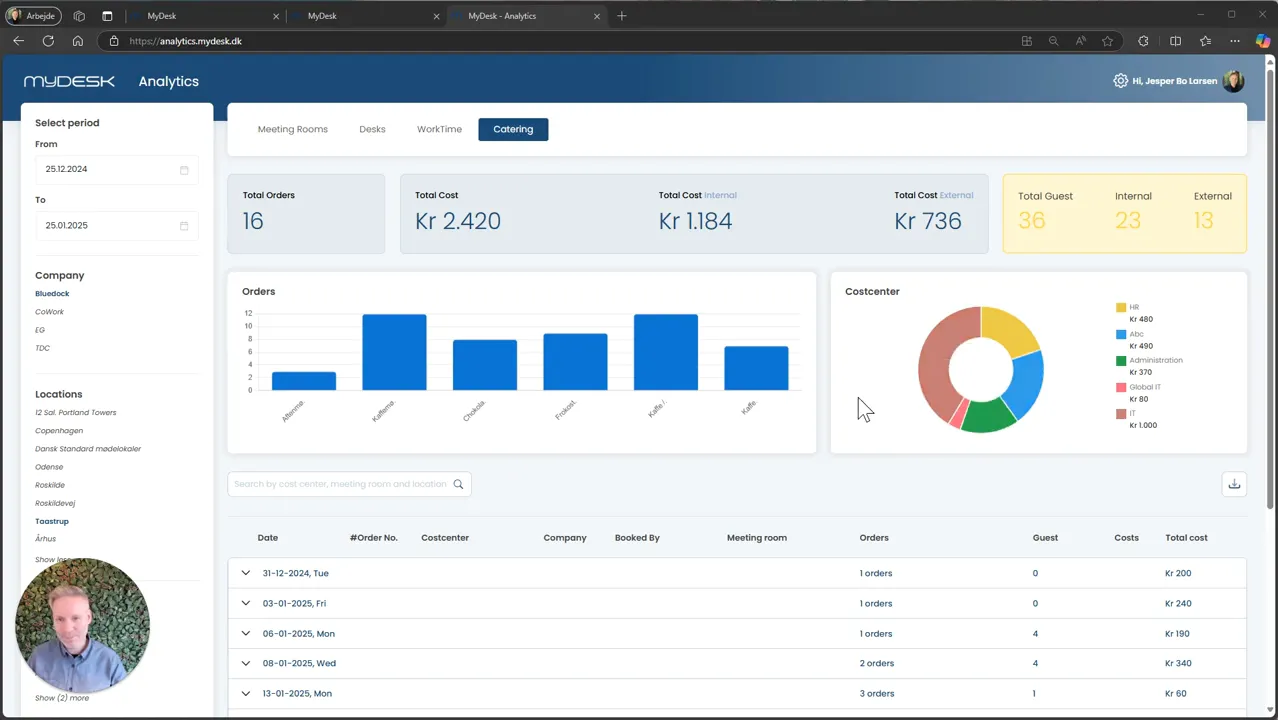
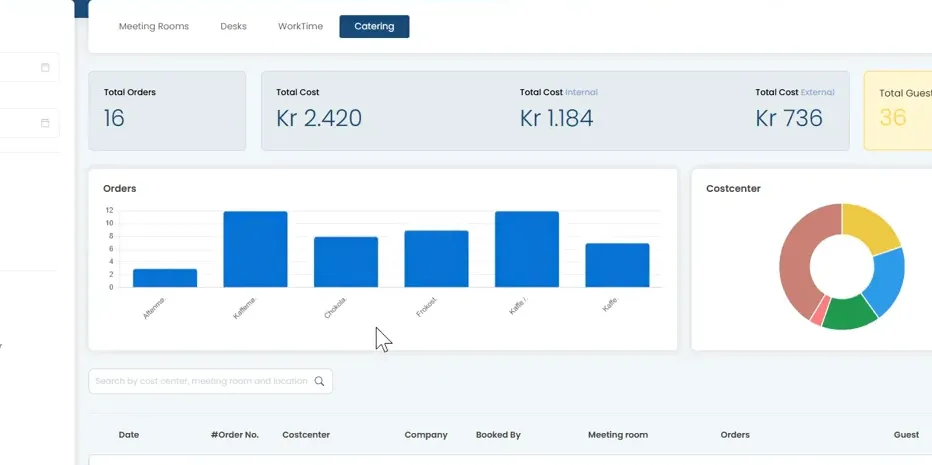
Open MyDesk Analytics and select the Catering section if the module is enabled.
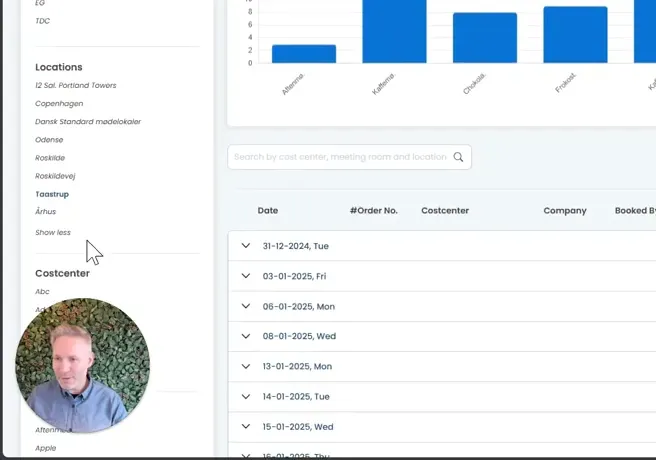
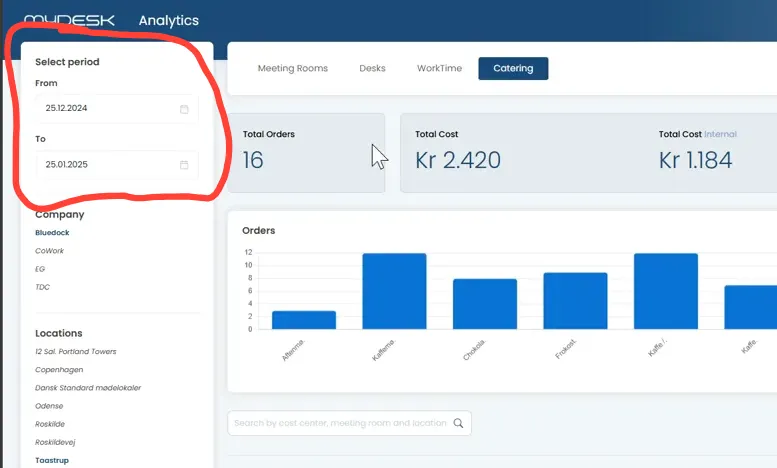
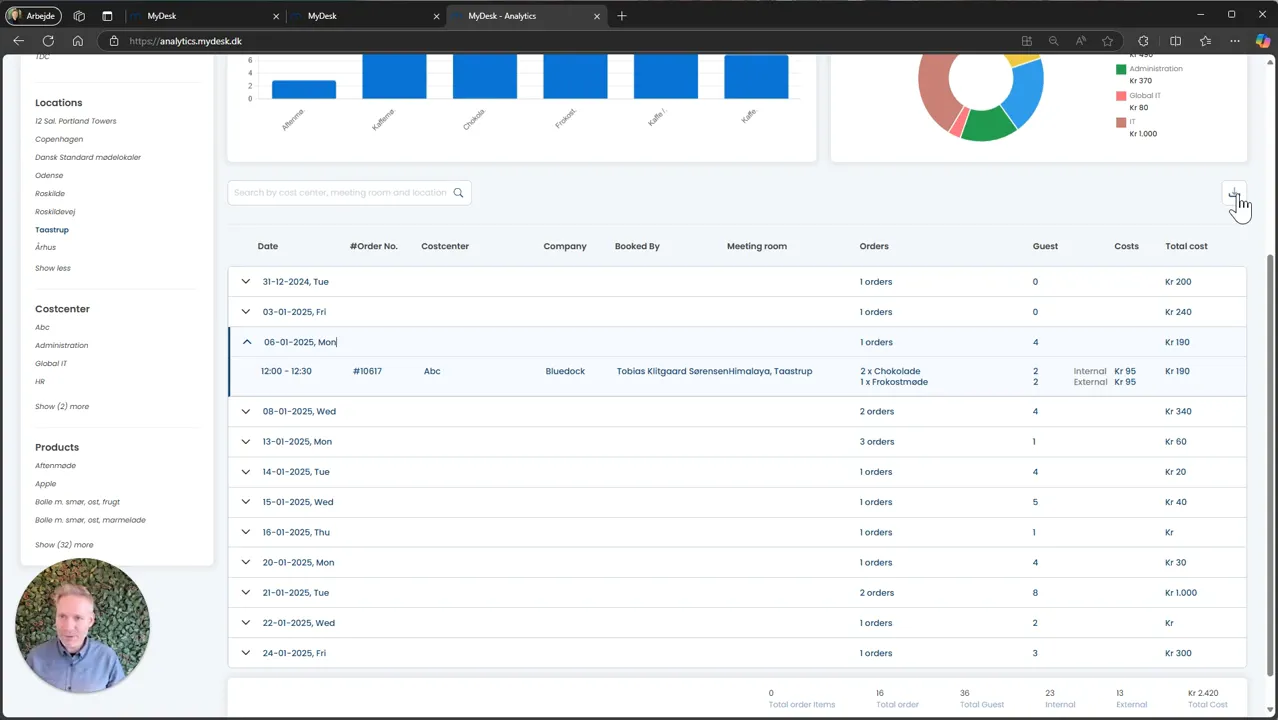
Select location, food center, products and analysis period.
Compare number of orders, costs and internal and external participants. See the product distribution before you change purchases or assortment.
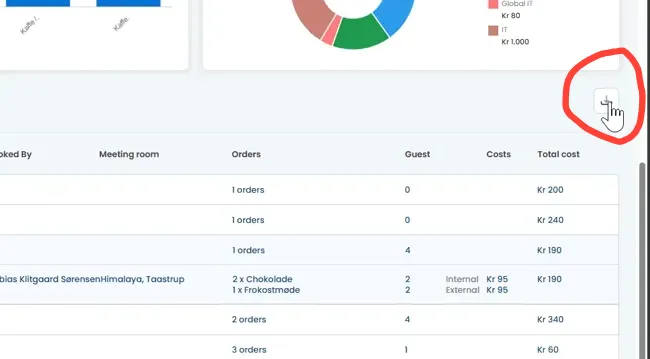
Use Download to continue working with data in Excel.
Special reports and financial integrations are agreed separately with MyDesk.
Links and materials
See screenshots from the original guide (8)
The screenshots are from the previous guide and may show an older user interface.