This is how you do it
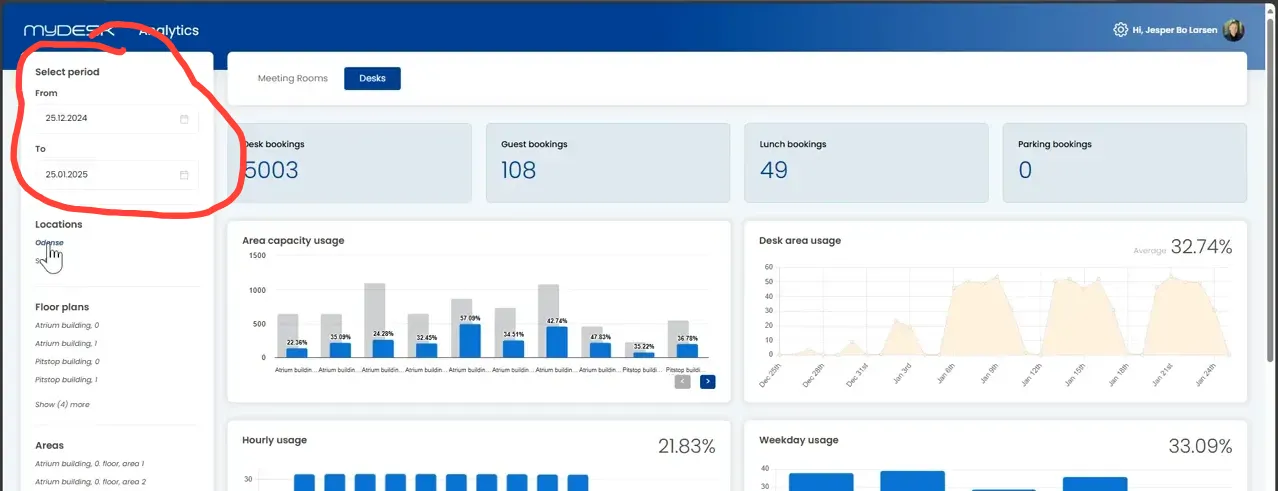
Select the desktop part of Analytics and limit the period. The guide's example is based on the past 30 days.
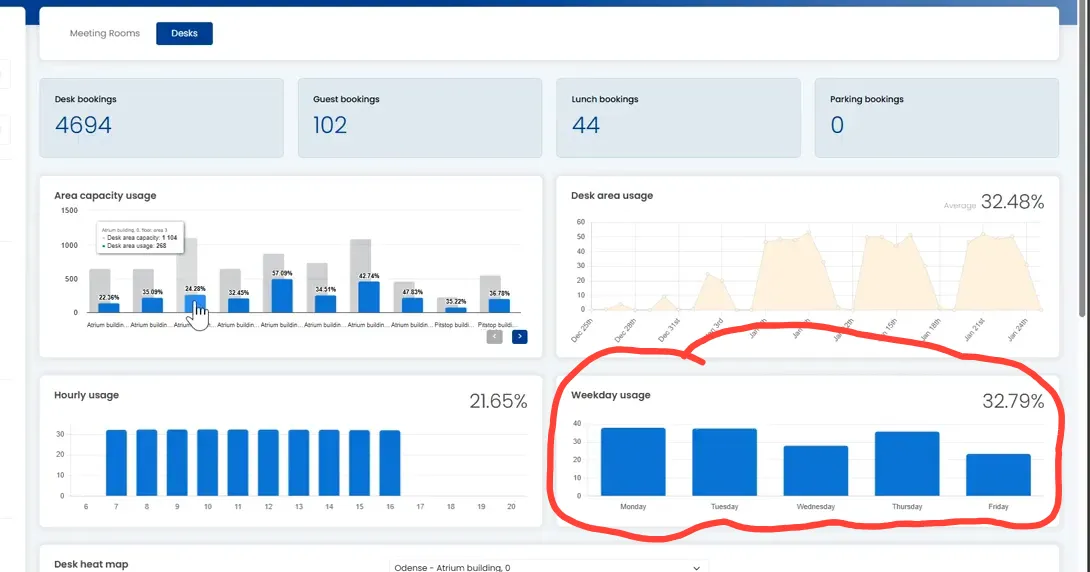
Compare the capacity with the bookings for the selected period.
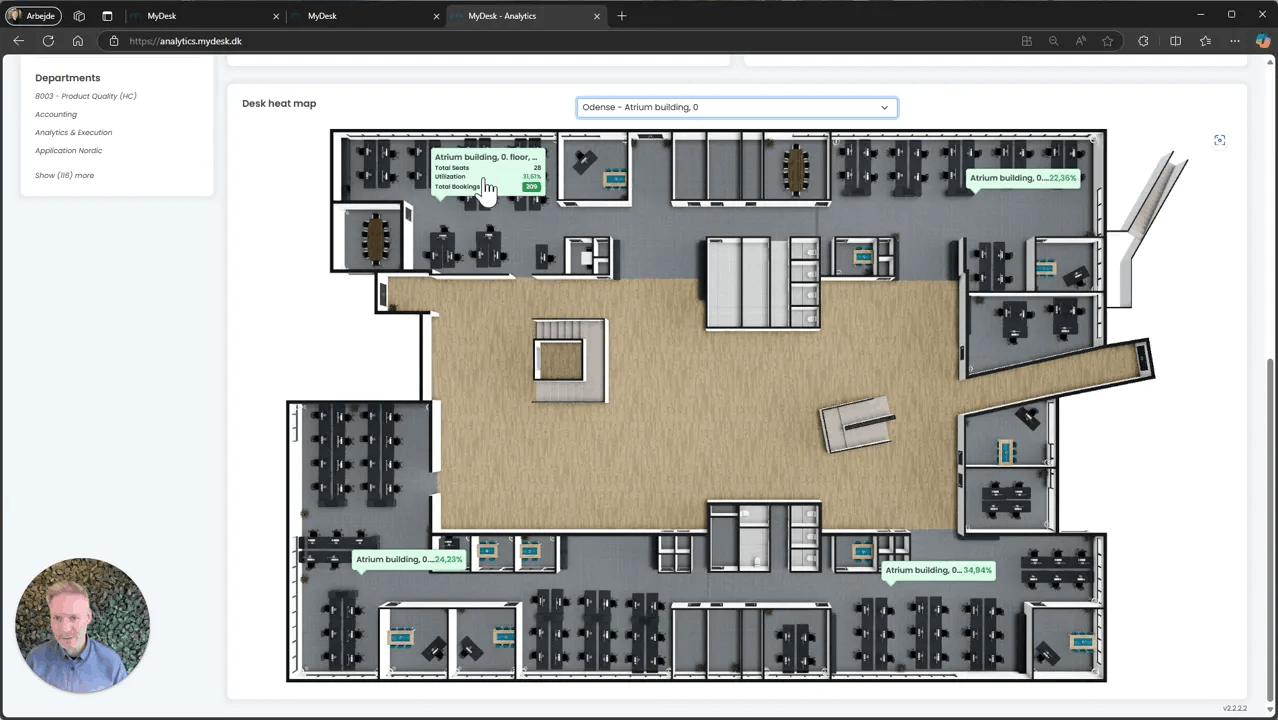
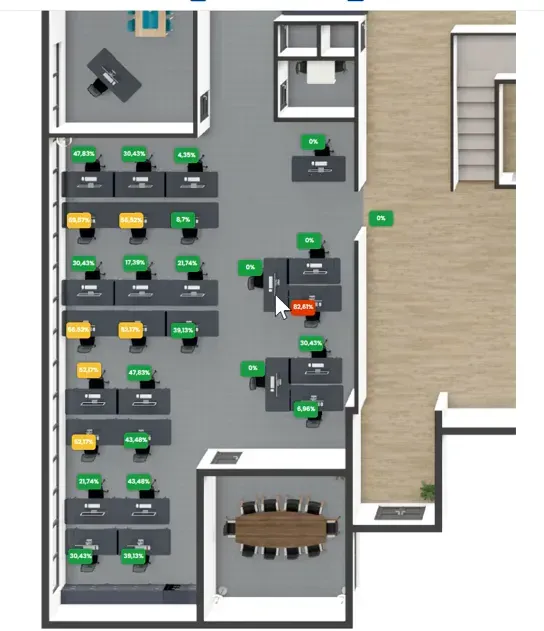
Open an area or space on the floor plan to see more detailed usage.
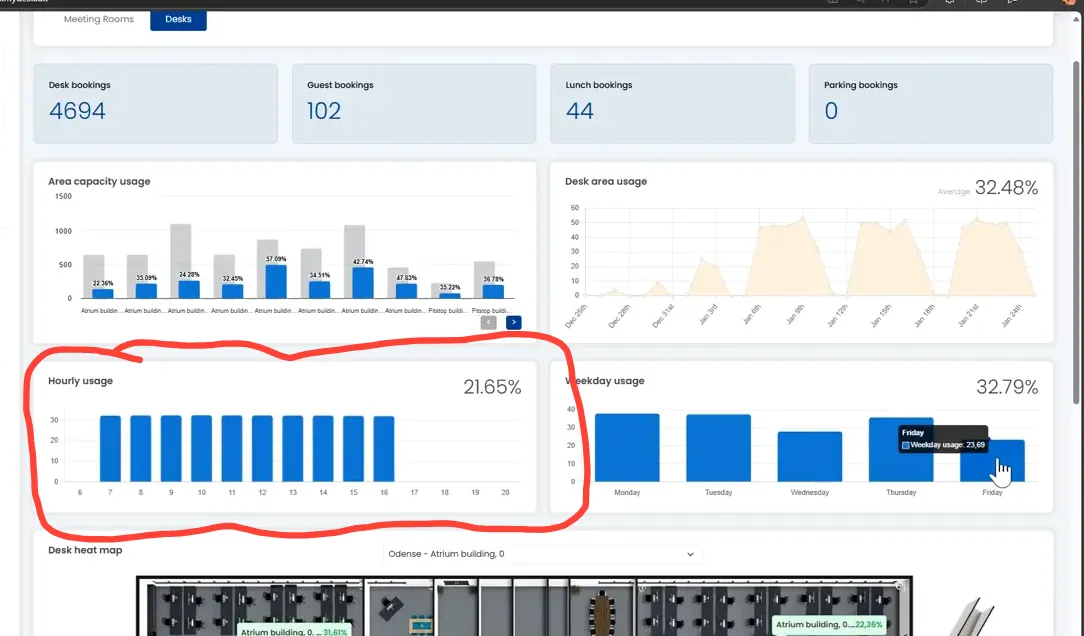
If you have sensors, activity during the day can supplement booking data.
Examine persistent patterns before removing or converting spaces. Take into account holidays, peak traffic and special space needs.
See screenshots from the original guide (5)
The screenshots are from the previous guide and may show an older user interface.