MyDesk · Guide

Add catering management to mobile

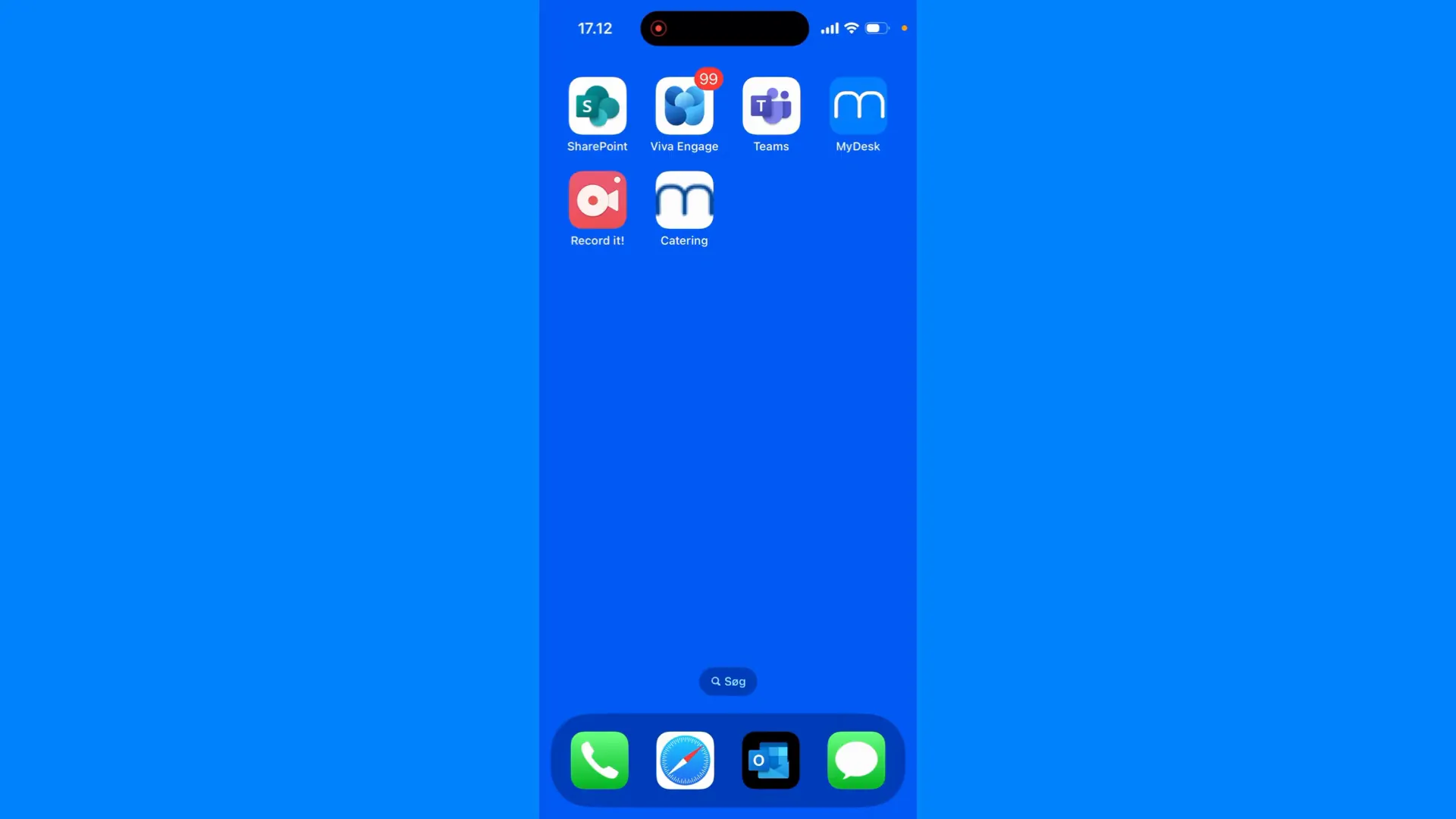
A shortcut on the home screen provides quick access to the canteen's web app.

Originally published

Catering admin module

This is how you do it

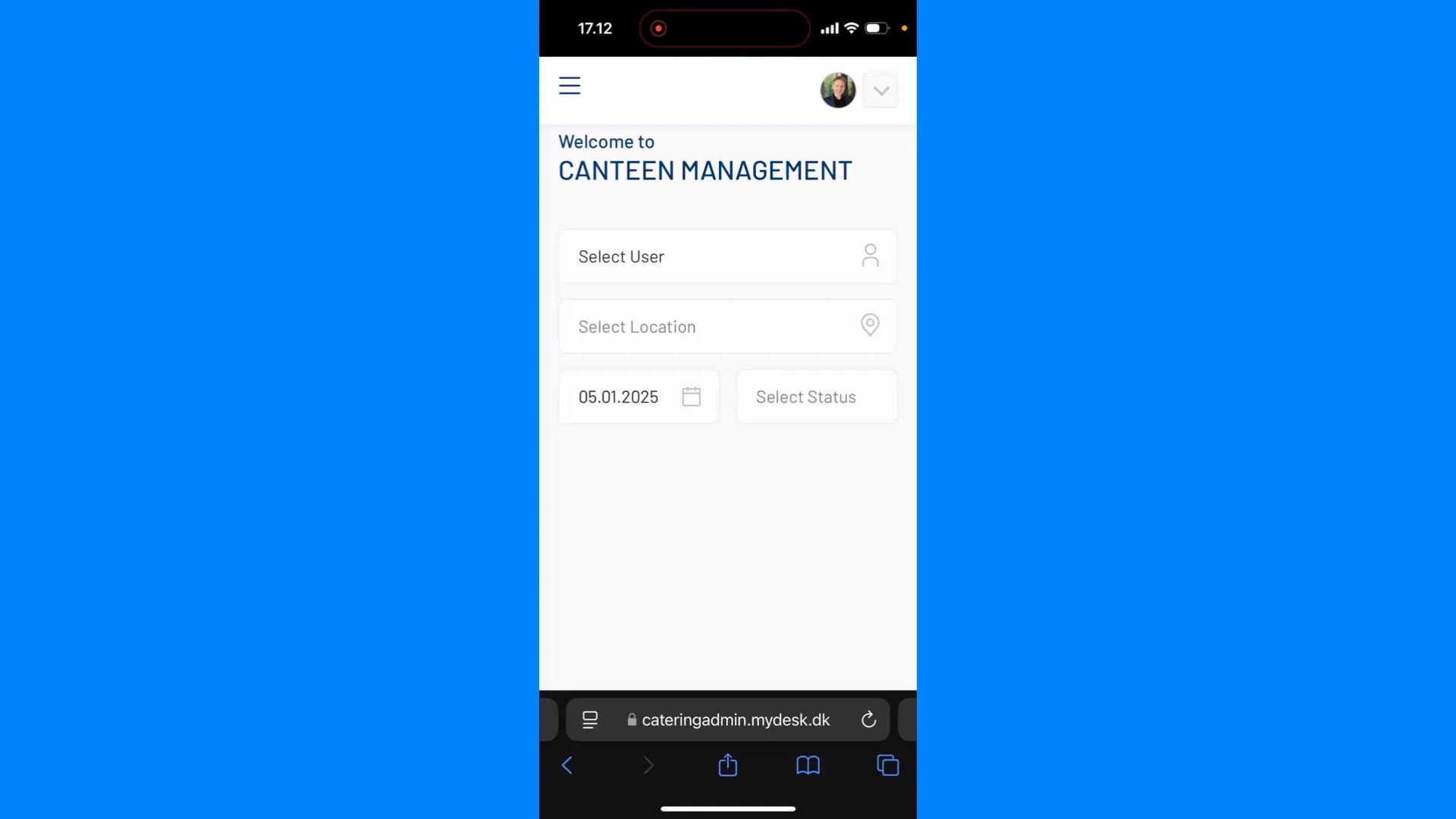
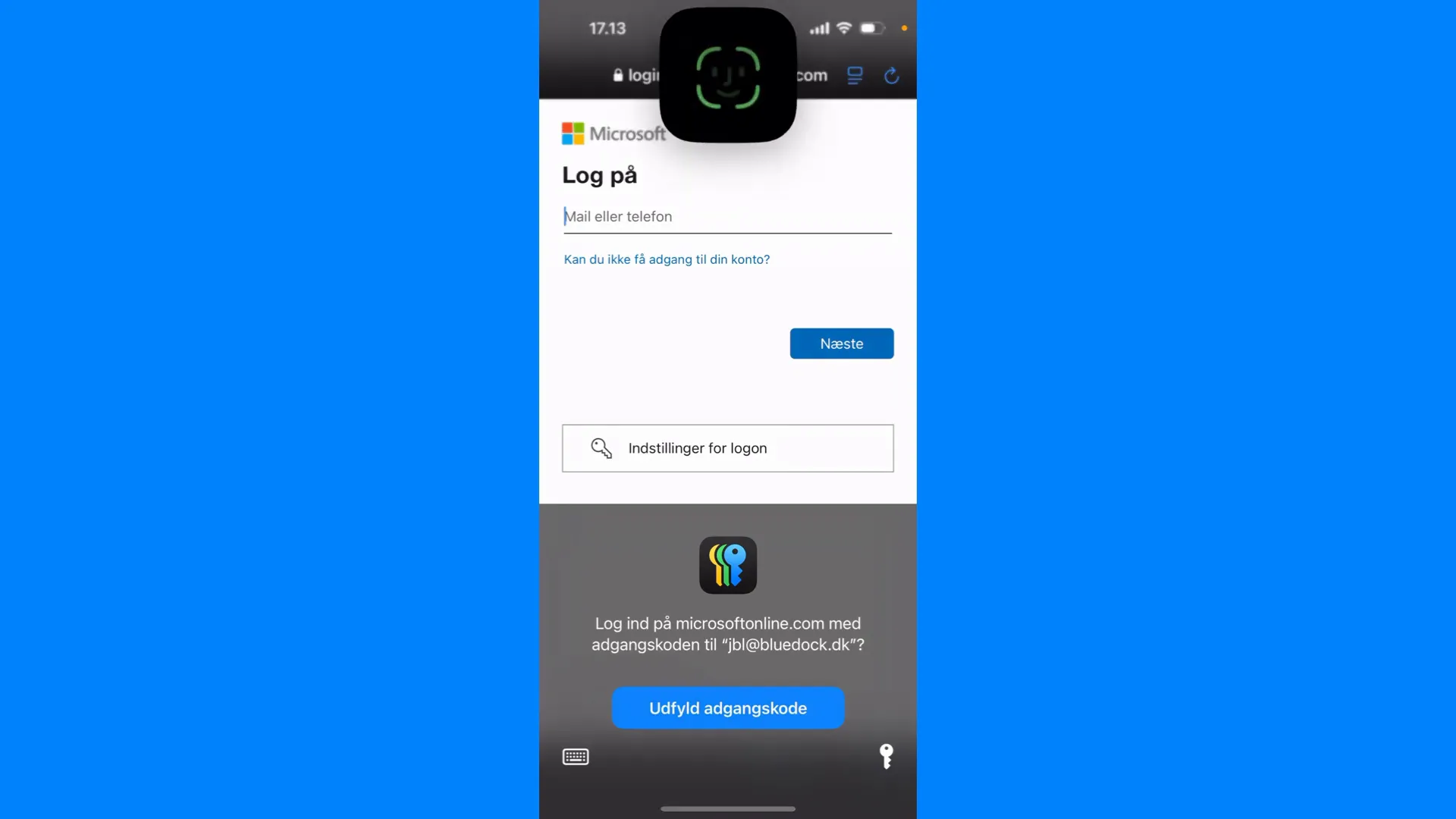
  1. Open your catering administration in the phone's browser and log in.

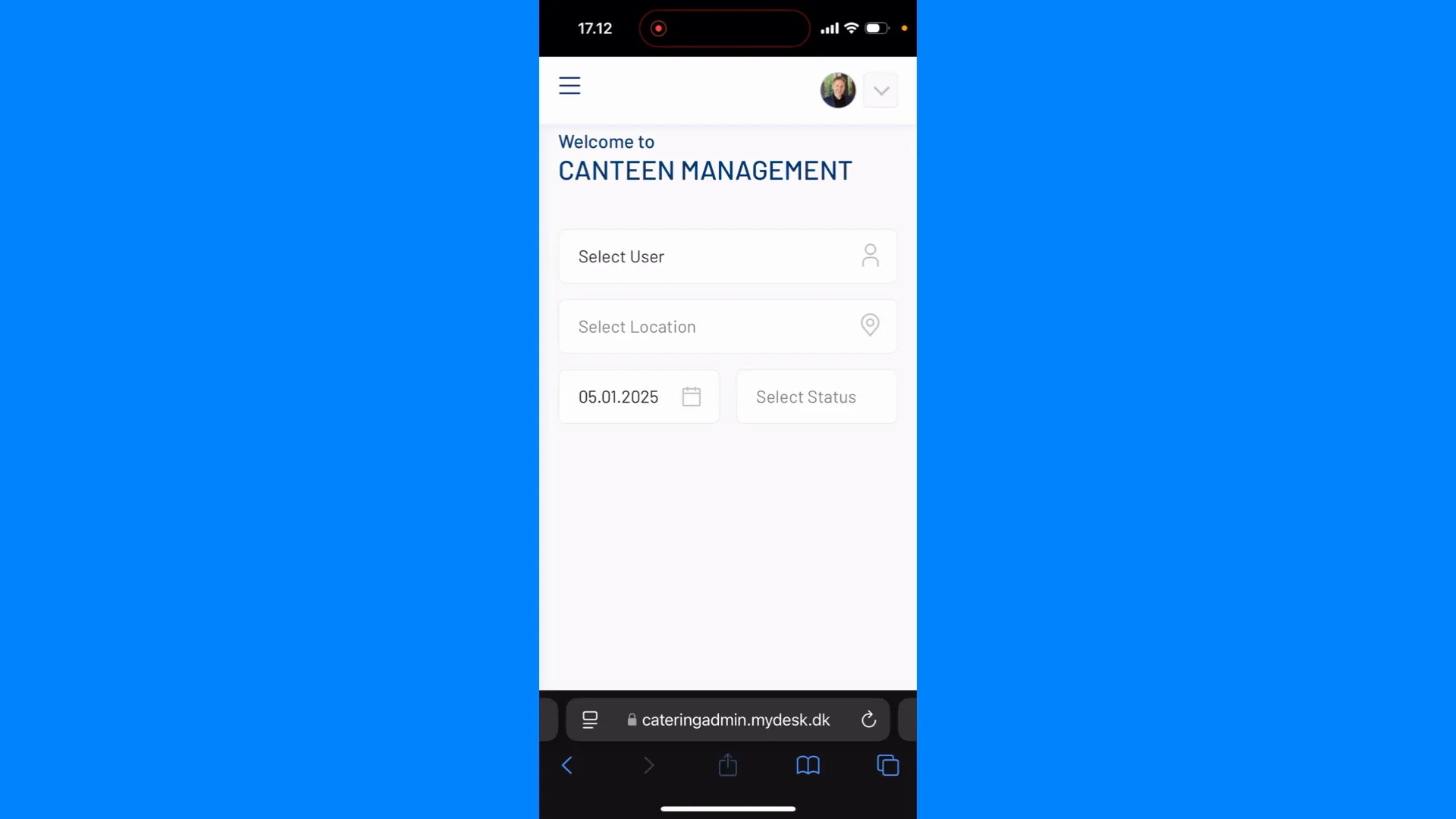
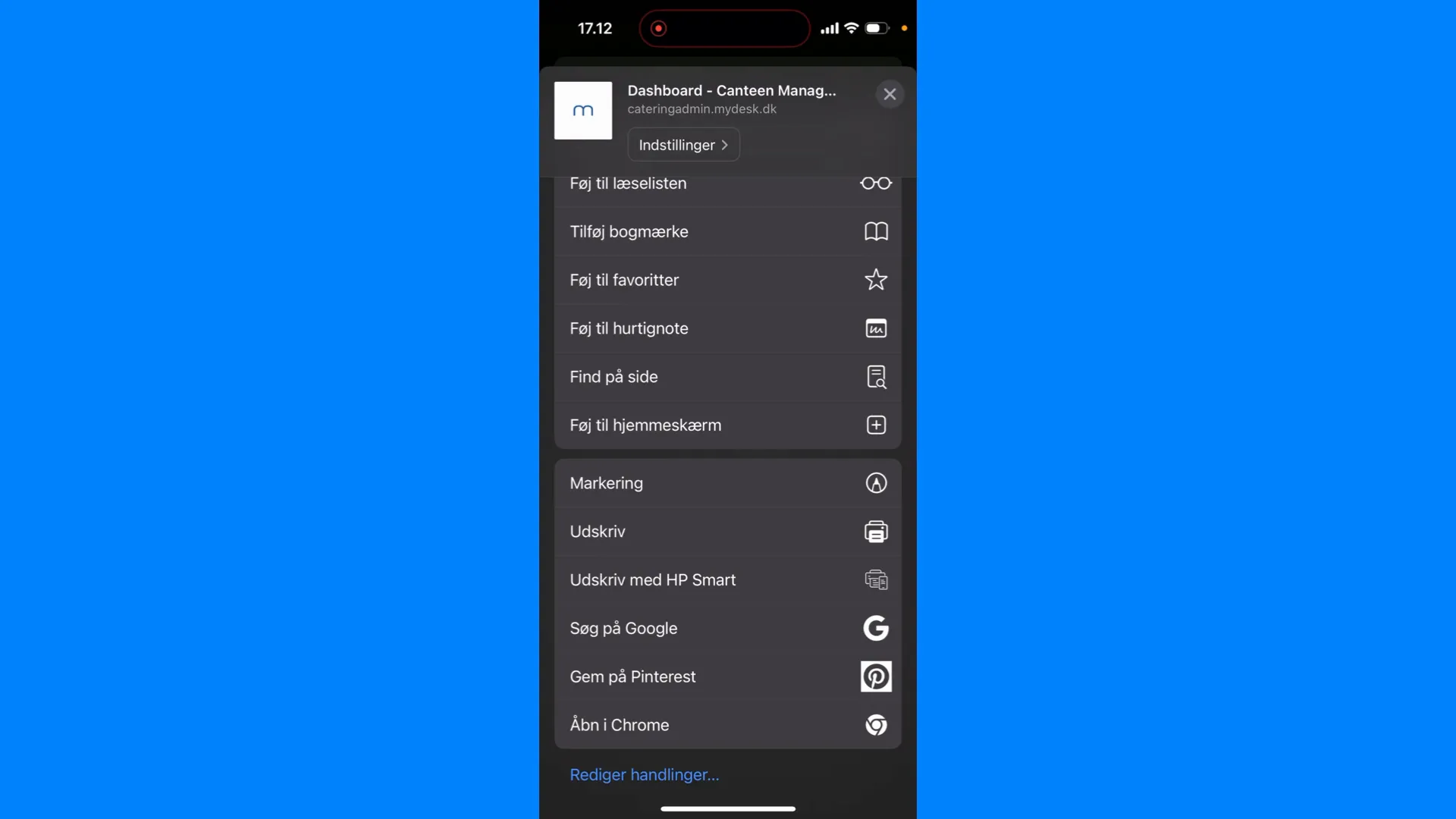
  2. On iPhone: open the Share menu with the square and arrow and choose Add to Home Screen.

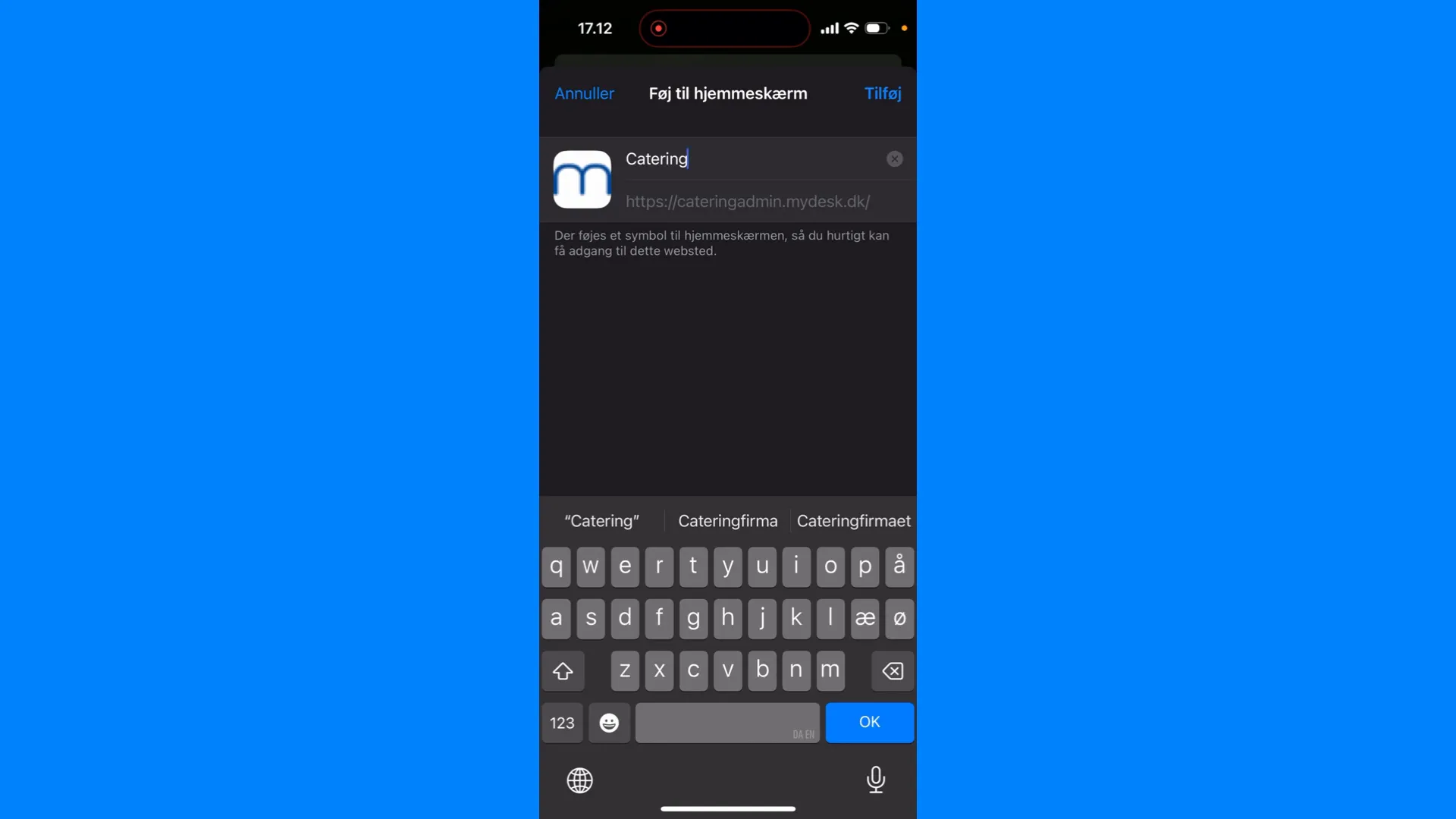
  3. Select name and add the shortcut.

  4. Open the shortcut and check that it shows the correct solution. Microsoft's login policy may require re-authentication.

See screenshots from the original guide (7)

The screenshots are from the previous guide and may show an older user interface.
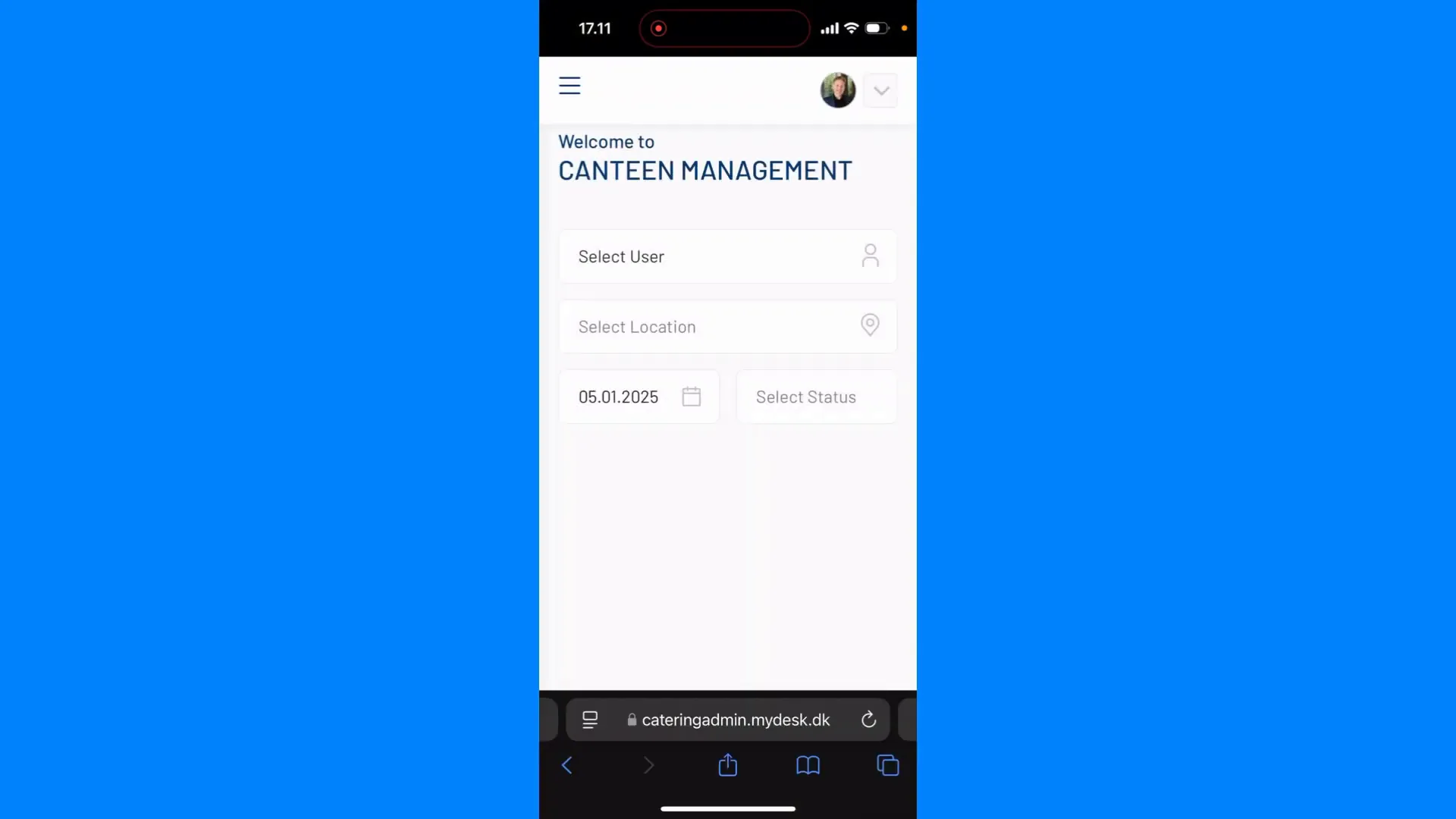
Entering the MyDesk catering website
Login to the MyDesk catering app
Icon to add to home screen
Menu to add to home screen
Naming the app
Opening the MyDesk app
Automatic login to app

Page coming soon

Explore the platform on our homepage

Book a demo

Open the booking calendar in a new window